
Share your work on LinkedIn. Post to your profile or company Page.
Soyla writes LinkedIn posts from your business details and creates the accompanying images. Review each post, then publish it to your profile, company Page or both on the days you choose.
Post as yourself or your business.
Your personal profile
Share advice and updates with the people who know you. Posts appear under your name. You can connect your profile without creating a company Page.
Your company Page
Publish under your company's name and logo. Choose a Page you administer. If you connect both options, they receive the same caption and images, so review the wording for both audiences.
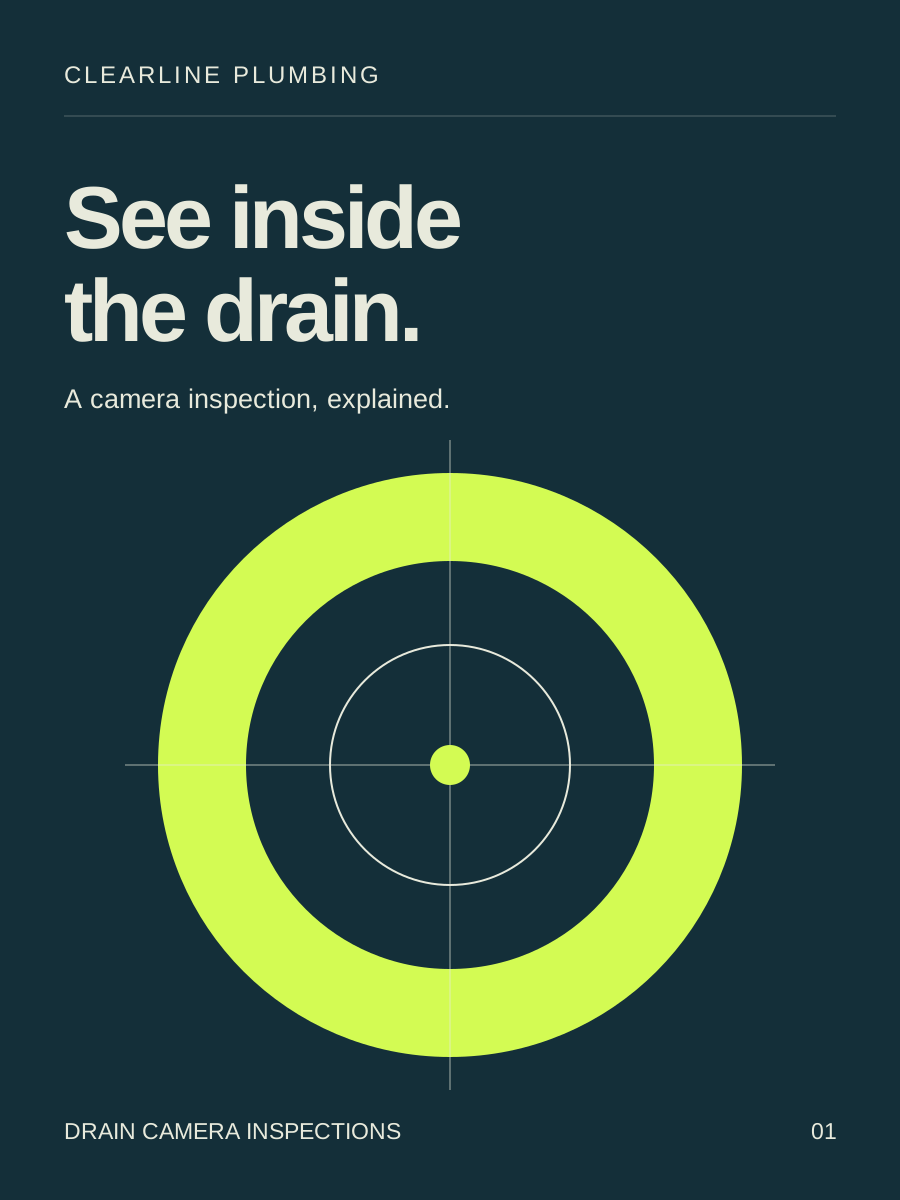
Turn your expertise into useful posts.
Explain a service, answer a customer question or introduce your team. For a plumbing business, that could mean showing what a drain camera inspection helps find.
Soyla sends LinkedIn your full approved caption, with its line breaks. Images retain their original 3:4 shape.
See the kinds of posts Soyla makes for plumbing businesses or trucking companies.
Explain a service across several images.
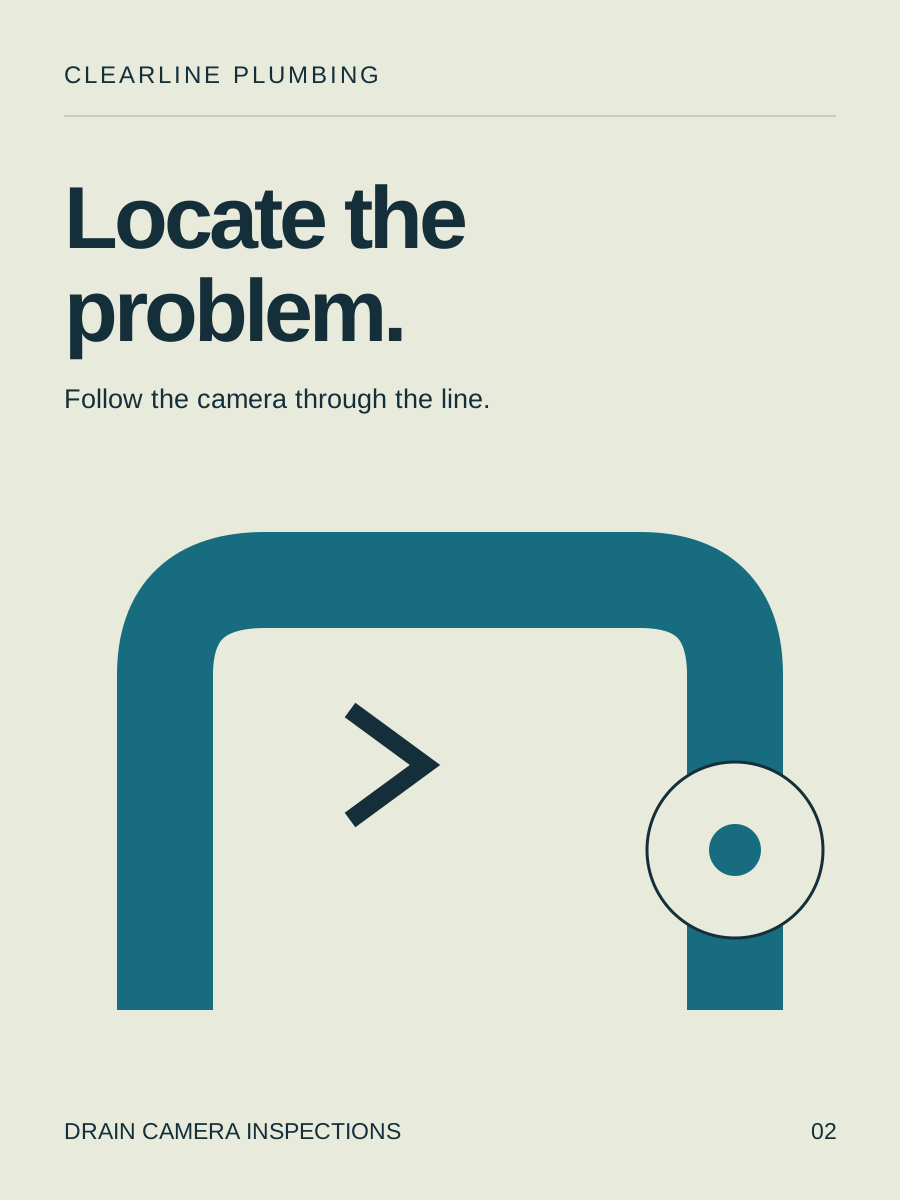
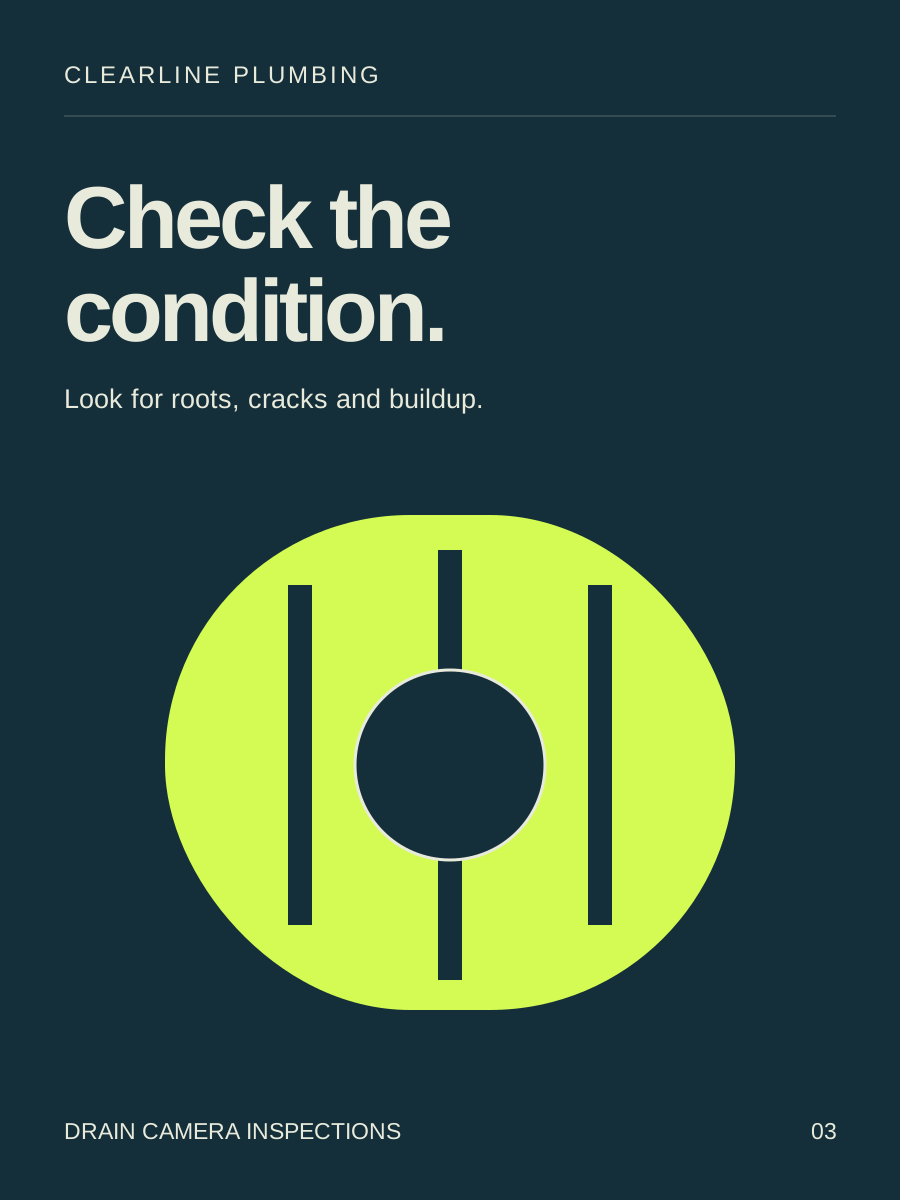
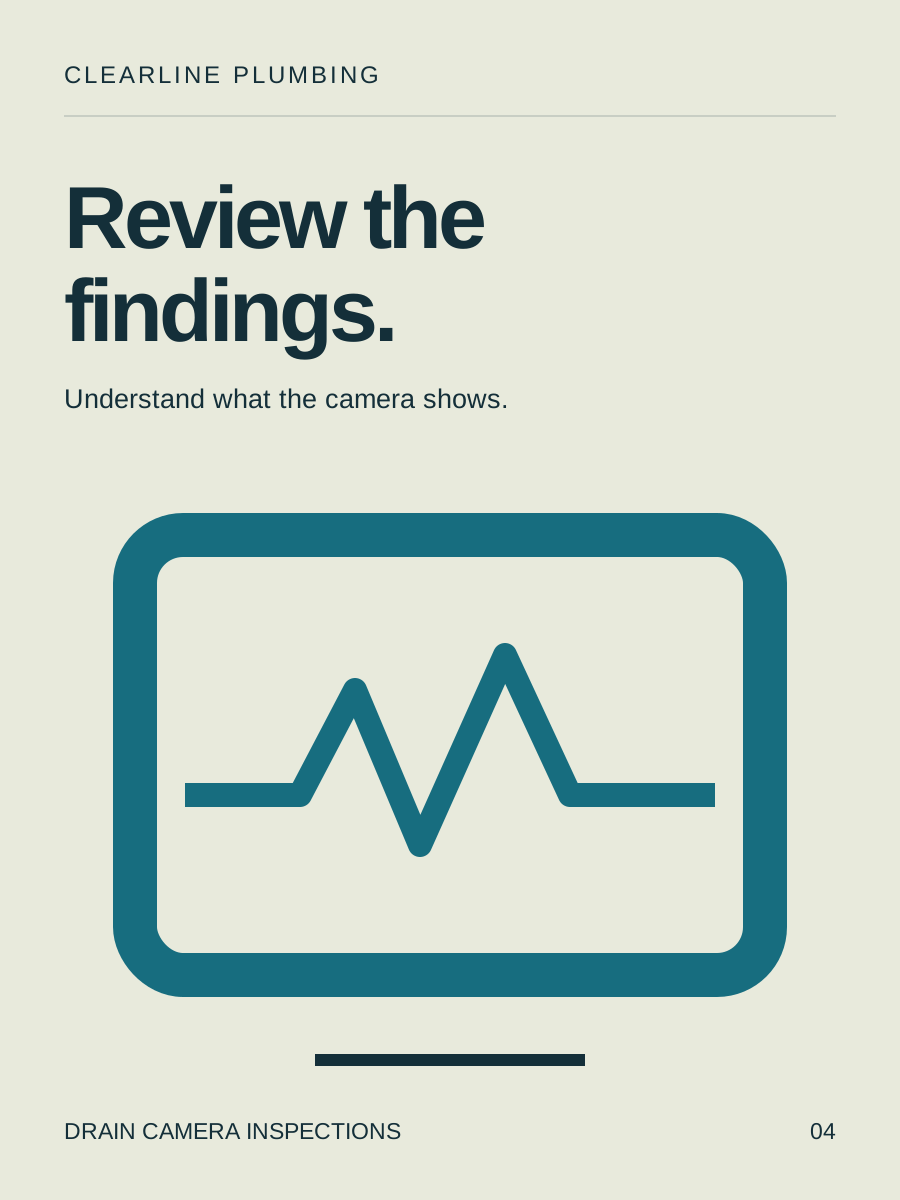
Use a carousel to walk through a process or answer a question step by step. Soyla sends up to 9 images in one LinkedIn post, with the cover first.
These are image posts, not PDF document uploads. Review the complete set with its caption before approving.
Connect your LinkedIn account.
Your personal LinkedIn profile, a LinkedIn company Page you admin, or both. Each is its own connection.

Step 1: Choose Profile or Page in Channels
Open Dashboard → Brand → Channels. Select LinkedIn · Profile to post as yourself, or LinkedIn · Page to post as the business.Step 2: Sign in to LinkedIn
Use the LinkedIn account that owns the profile or administers the company Page. Allow Soyla to publish through that connection.Step 3: For a Page, choose the company
Select the Page you want Soyla to post to. A profile connection is ready after sign-in. To use both, repeat the connection for the other option.
Choose your posting schedule.
Start with Monday, Wednesday and Friday. Change the days in Posting settings and choose 1 to 3 posting times per day. Approved posts take the next available slots.
You can edit or move a scheduled post until Soyla hands it off, about 15 minutes before publishing time. Check each connection's publishing status in the dashboard. Disconnecting a profile or Page also removes its scheduled deliveries.
See plans and post allowances →Questions about LinkedIn
Can Soyla publish to my personal LinkedIn profile?
Yes. Choose LinkedIn · Profile in Channels and sign in as yourself. You do not need a company Page.
Can I connect a LinkedIn company Page as well?
Yes. Choose LinkedIn · Page, sign in and select a Page you administer. Your profile and Page are separate connections.
Will my profile and company Page get different captions?
No. Both receive the same approved caption and images. Review the wording with both audiences in mind.
Does Soyla shorten LinkedIn captions?
No. Soyla sends the approved caption in full, including its line breaks. The shorter limits Soyla applies to X (280 characters) and Threads (500 characters) do not apply to the LinkedIn copy.
Can Soyla publish a carousel to LinkedIn?
Soyla publishes carousels as a set of images, with the cover first, up to 9 pictures in a post. These are image posts, not PDF document uploads. The pictures retain their original 3:4 shape.
Does Soyla send connection requests or LinkedIn messages?
No. Soyla publishes approved posts. It does not send connection requests or messages, reply to comments, or publish articles and newsletters.
Everything else Soyla connects to
All integrations InstagramPublish pictures and carousels, sized for your Instagram feed.
 FacebookShare approved updates on your Page, with the full caption and pictures.
 XPublish approved posts with captions shortened to 280 characters.
 ThreadsSchedule picture posts with captions shortened to 500 characters.
 Google Business ProfileAdd business updates to Search and Maps, with one picture per post.
 ClaudeReview pictures, edit captions and approve posts in a Claude conversation.
 ChatGPTTurn a conversation into a post request, then review and approve the result.
 CursorRequest posts from your editor, using the release details you provide.
 Claude CodeReview posts, correct a caption or change a posting date from the terminal.
 CodexAsk Codex to check drafts, edit captions or request a new social post.
Start posting to LinkedIn.
Create your brand in Soyla, connect LinkedIn and review your first posts.
Get startedFree preview. Plans from $99/month.