
Show what you do
Introduce a service, a menu item or a recently completed job.
 Soyla for Instagram
Soyla creates pictures, captions and carousels about your business. Review each post, make changes, and approve it for the days you choose.
For Instagram Business and Creator accounts.
A new menu, a useful tip, a change to your hours: give customers a reason to visit or get in touch.
Soyla uses your business details to create the picture and caption. You can add a photo of a particular dish, person or job. Check the result and approve it when it is ready.
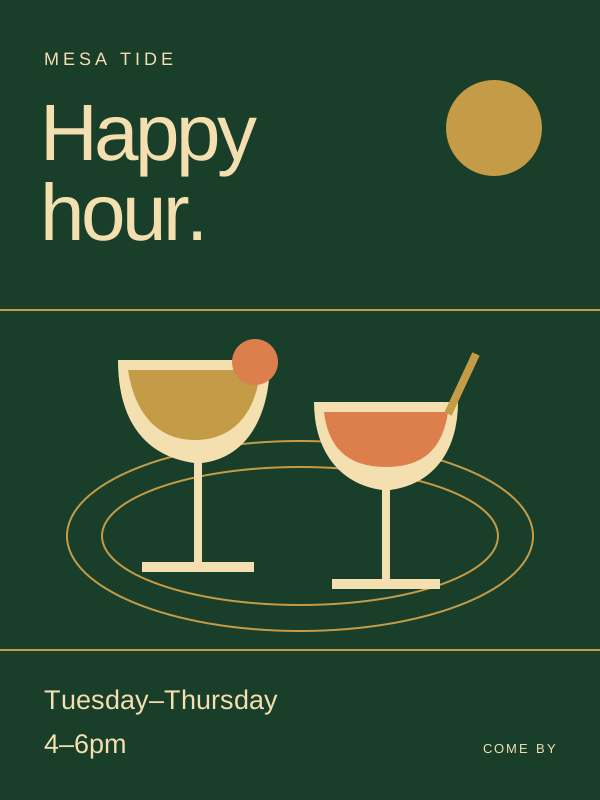
See examples for your industryIntroduce a service, a menu item or a recently completed job.
Use a carousel to answer a common question, one step per slide.
Share new opening hours or an offer, with the dates and details customers need.
Soyla makes portrait posters at 3:4. For Instagram, it prepares a 4:5 copy with a narrow strip of the poster's edge colour on each side. Your artwork and text stay intact.
Soyla prepares this version automatically when it publishes your approved post.
Use a single picture for an announcement. Choose a carousel for a step-by-step guide or an offer that needs more detail.
Review the slides together before you approve. Soyla sends the cover first and keeps the sequence, with up to 10 pictures per Instagram post.
Picture posts for the feed. Reels and Stories are not included.
Use Direct login if you want to sign in with Instagram itself. Choose via Facebook if your professional account is linked to a Page you manage.
Both need a Business or Creator account. With Direct login, you do not need a Facebook Page.
Already have a Facebook Page or a Threads profile? Connect those channels separately to send your approved posts there as well.
Soyla needs a professional account, either Business or Creator. If yours is personal, switch it to a professional account in Instagram before connecting. Your existing posts stay on the account.
No. Choose Instagram Direct login and sign in to Instagram itself. The separate via Facebook option is for a professional Instagram account linked to a Facebook Page you manage.
Soyla makes picture posts and image carousels for the feed. It does not create or publish Reels, videos or Stories. You can review the picture and caption before approving a post.
Every Soyla poster is 3:4. The copy sent to Instagram is padded to 4:5 with a thin band of the poster's own edge colour on each side. Nothing is cropped.
Soyla sends up to 10 pictures in one Instagram post. A carousel goes out in order, with its cover first. Single-picture posts use the same approval and scheduling flow.
You can edit it or move its date while it is waiting in Soyla. About 15 minutes before its scheduled time, Soyla hands it over for publishing. After that hand-off, it is no longer available for those changes in Soyla.
No. Connect Threads separately in Channels if you want your approved posts to go there too. Each network receives its own copy; Threads captions are shortened to fit its limit.
 FacebookShare approved updates on your Page, with the full caption and pictures.
 XPublish approved posts with captions shortened to 280 characters.
 LinkedInShare business updates on your personal profile, company Page or both.
 ThreadsSchedule picture posts with captions shortened to 500 characters.
 Google Business ProfileAdd business updates to Search and Maps, with one picture per post.
 ClaudeReview pictures, edit captions and approve posts in a Claude conversation.
 ChatGPTTurn a conversation into a post request, then review and approve the result.
 CursorRequest posts from your editor, using the release details you provide.
 Claude CodeReview posts, correct a caption or change a posting date from the terminal.
 CodexAsk Codex to check drafts, edit captions or request a new social post.
Tell Soyla about your business to preview a post. Connect Instagram when you are ready to publish.
Get started