On this page
Start at 140 words per minute. That’s the pace we recommend at Soyla for your first read on camera, and it’s deliberately slower than most people talk. A camera can’t ask you to repeat something, and a scroll won’t pause to let a point land, so a little slower than conversation is almost always right.
Once you’ve measured your own pace, replace 140 with that number.
Measured speech is faster than that. Marc Brysbaert’s 2019 review of 77 studies found that the average rate of reading aloud is 183 words per minute. Researchers at the University of Pennsylvania measured 2,438 phone conversations and found an overall average of 196 wpm.
Both numbers sit well above 140, and that’s the point. Starting slower gives you room for pauses, emphasis and eye contact with the lens. You can always speed up once you’ve found your natural reading pace.
How many words fit in a video#
These numbers are rounded and leave out pauses, so aim a little under them. Eight one-second pauses, for example, add eight seconds to your total time.
| Length | At 120 wpm | At 140 wpm | At 160 wpm |
|---|---|---|---|
| 15 seconds | 30 words | 35 words | 40 words |
| 30 seconds | 60 words | 70 words | 80 words |
| 60 seconds | 120 words | 140 words | 160 words |
| 90 seconds | 180 words | 210 words | 240 words |
| 2 minutes | 240 words | 280 words | 320 words |
| 5 minutes | 600 words | 700 words | 800 words |
| 10 minutes | 1,200 words | 1,400 words | 1,600 words |
Use 120 wpm when the material is dense or your audience is hearing the words in a second language. Use 160 wpm for a light, upbeat short. For everything in between, 140 is a solid starting point.
Why 140 and not faster#
Phone conversations in that University of Pennsylvania study averaged 196 wpm, and someone on a call can interrupt or ask a question. On camera, the viewer gets only the audio and the frame. Slowing down by about 30 percent gives each sentence time to register.
A teleprompter adds another pressure. If the scroll is even a few words ahead of your voice, you’ll chase it. That pushes your pace up without you noticing. Starting lower gives you a cushion before the words feel rushed.
Measure your own pace#
The number 140 is advice, not a finding. Your real pace is what counts, and measuring it takes about a minute.
- Pick a passage of roughly 90 words, something close to the kind of script you’ll actually read.
- Read it aloud at the speed you’d use with a friend. Don’t rush, don’t perform.
- Time it. If 90 words took you 40 seconds, divide: 90 ÷ 40 × 60 = 135 words per minute.
That’s your baseline. It’ll change with the material, your energy and how much coffee you’ve had, but it’s more useful than any chart.
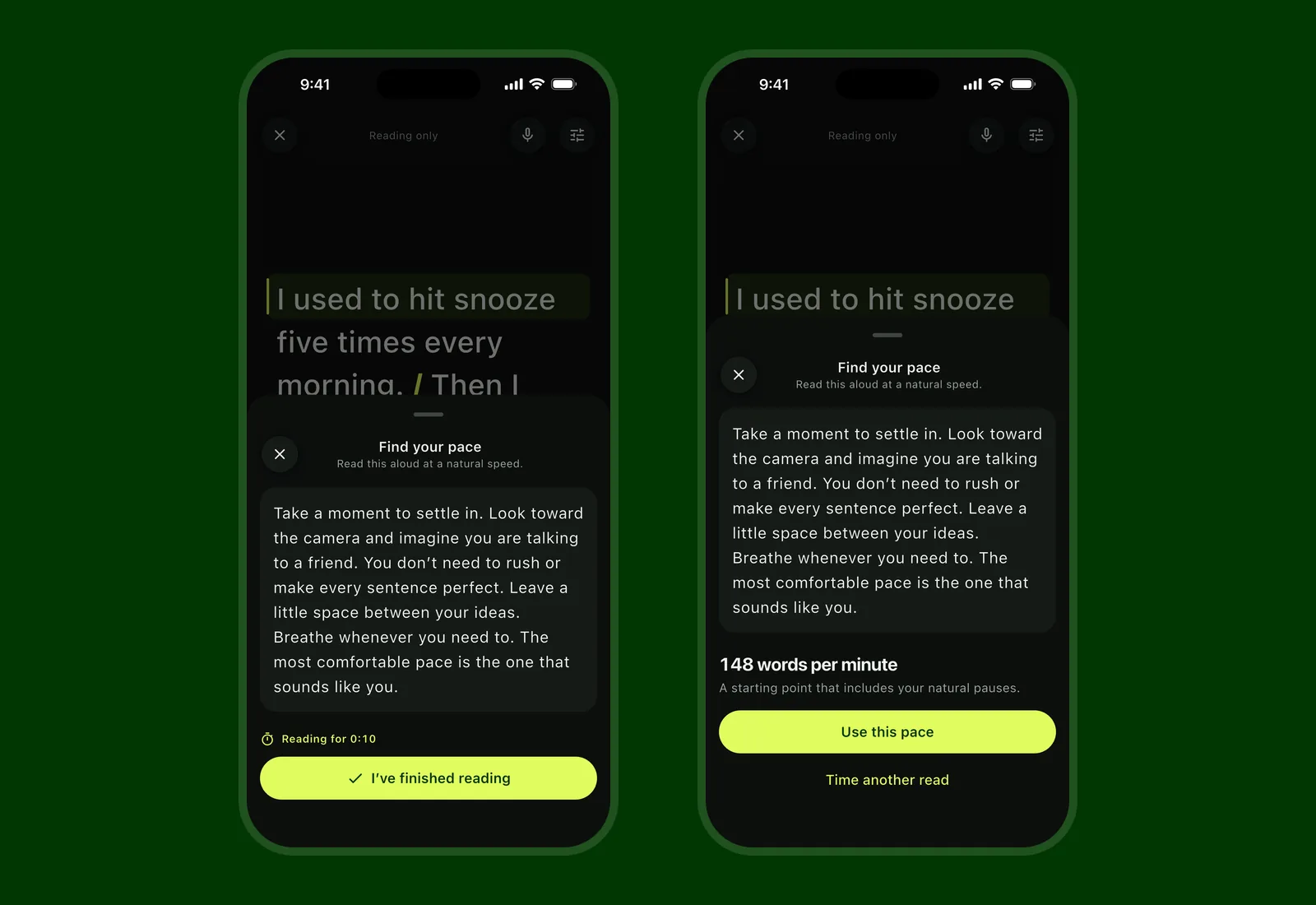
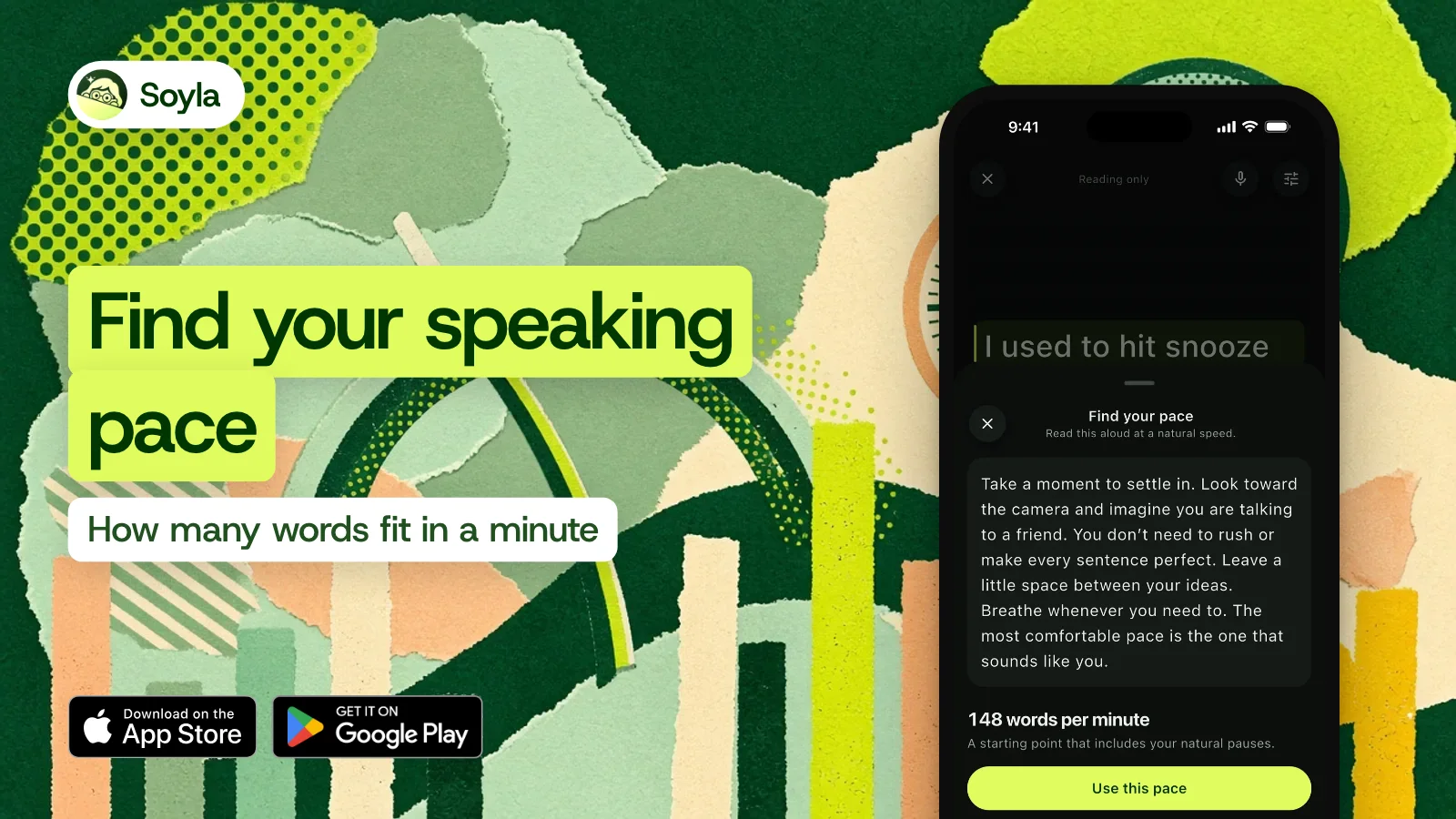
Soyla’s Find your pace does the same thing inside the app. You read a short passage aloud while Soyla times you, pauses included, and then offers the result as your pace. After a read with voice following, Soyla also offers the pace you actually spoke at, so you can compare what you planned with what happened.
What changes your pace#
Words per minute isn’t one fixed trait. Several things move the number around:
- The script itself. Short everyday words read faster than technical terms or unfamiliar names. A script written for the ear is easier to keep at pace.
- Pauses. A beat after a key point, a breath before a new section. In Soyla, every written pause holds the scroll for a second or longer, and the speaking-time count covers only the words you say.
- The language. Words per minute doesn’t map well to Chinese, Japanese and Korean, which is why Soyla paces those scripts by characters instead.
- Your audience. If many of your viewers speak English as a second language, slower is clearer.
You don’t need one pace for a whole script#
Slow down for the important part and pick up for the anecdote. In Soyla, + and − on a keyboard or remote change the pace as you read.
Or let the script follow your voice: when you pause, the scroll eases to a stop and shows Waiting for you, then moves again the moment you carry on. Your pace and the time left are always in view.
If you need to hit an exact length, such as a 60-second ad slot, Soyla can pace the script to finish in a set time. The word count and speaking time count only the words you say, so stage directions and section labels don’t throw the number off.
A quick way to practice right now#
Soyla’s free online teleprompter runs in a modern browser with no sign-up. Paste a script, set the pace to 140 wpm, and read along. Adjust up or down until the scroll feels like it’s carrying you rather than dragging you. That comfortable speed is your number.
When you’re ready to record, the Soyla app puts the script near the lens so you keep eye contact, records the video with no watermark, and lets you read naturally at whatever pace you’ve found.
Frequently asked questions
How many words is a 60-second video?
At 140 words per minute, a 60-second video is about 140 words. That’s a rough ceiling. Written pauses take time too, so aim for a few words under 140. In Soyla, the speaking time updates as you write and counts only the words you say.
Is it better to speak slowly on camera?
Slower than conversation, yes. Studies put reading aloud at 183 words per minute and phone conversation at 196, but on camera your viewer can’t ask you to repeat a line. Starting around 140 wpm gives each sentence room to land. Once you’ve measured your own pace with a timed read, use that number instead.
Why do I speed up when I read from a teleprompter?
Usually the scroll is set a little faster than you actually speak, so you chase it. In Soyla, you can lower the pace with − on a keyboard or remote, write pauses into the script so the scroll holds, or switch to voice following so the script follows your voice instead of the other way around.