
For iPad
A voice-following teleprompter for iPad
Soyla is a teleprompter for iPad that follows your voice as you read, pausing when you pause and finding you when you skip a sentence or two. Your scripts stay on the device and are never uploaded.
7 days free on the App Store or Google Play

Three ways to read on a bigger screen.
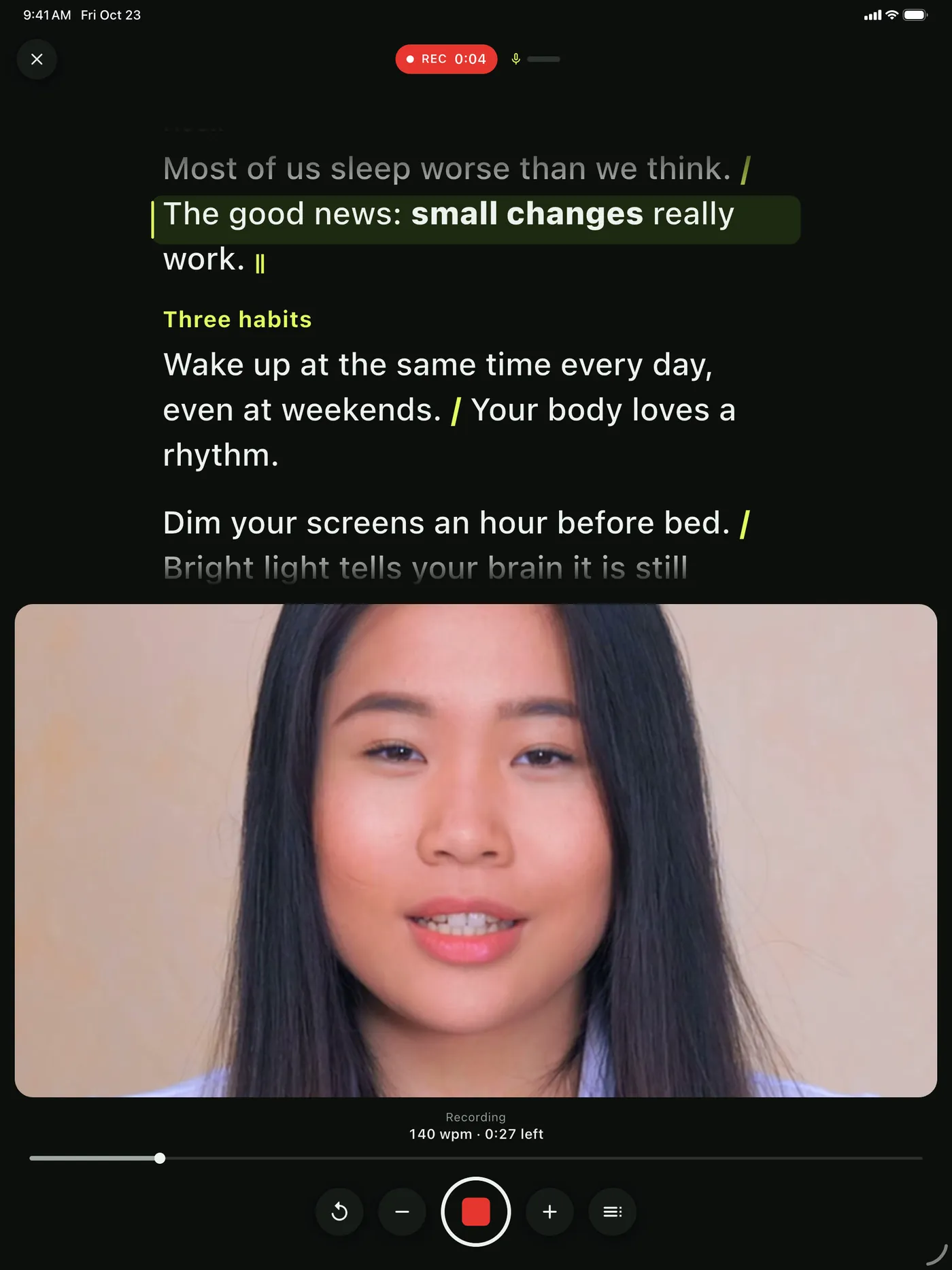
By the camera
Prop your iPad up and read the script right next to the lens so your eyes stay close to the camera while you record.
Under teleprompter glass
Mirror the text for beam-splitter glass on teleprompters like the Glide Gear TMP 100, NEEWER X17 II or Desview T12S that hold a tablet.
On a stand or in hand
Set the iPad on a lectern or hold it to read a talk, a sermon or a lesson with large, clear words.
By the camera 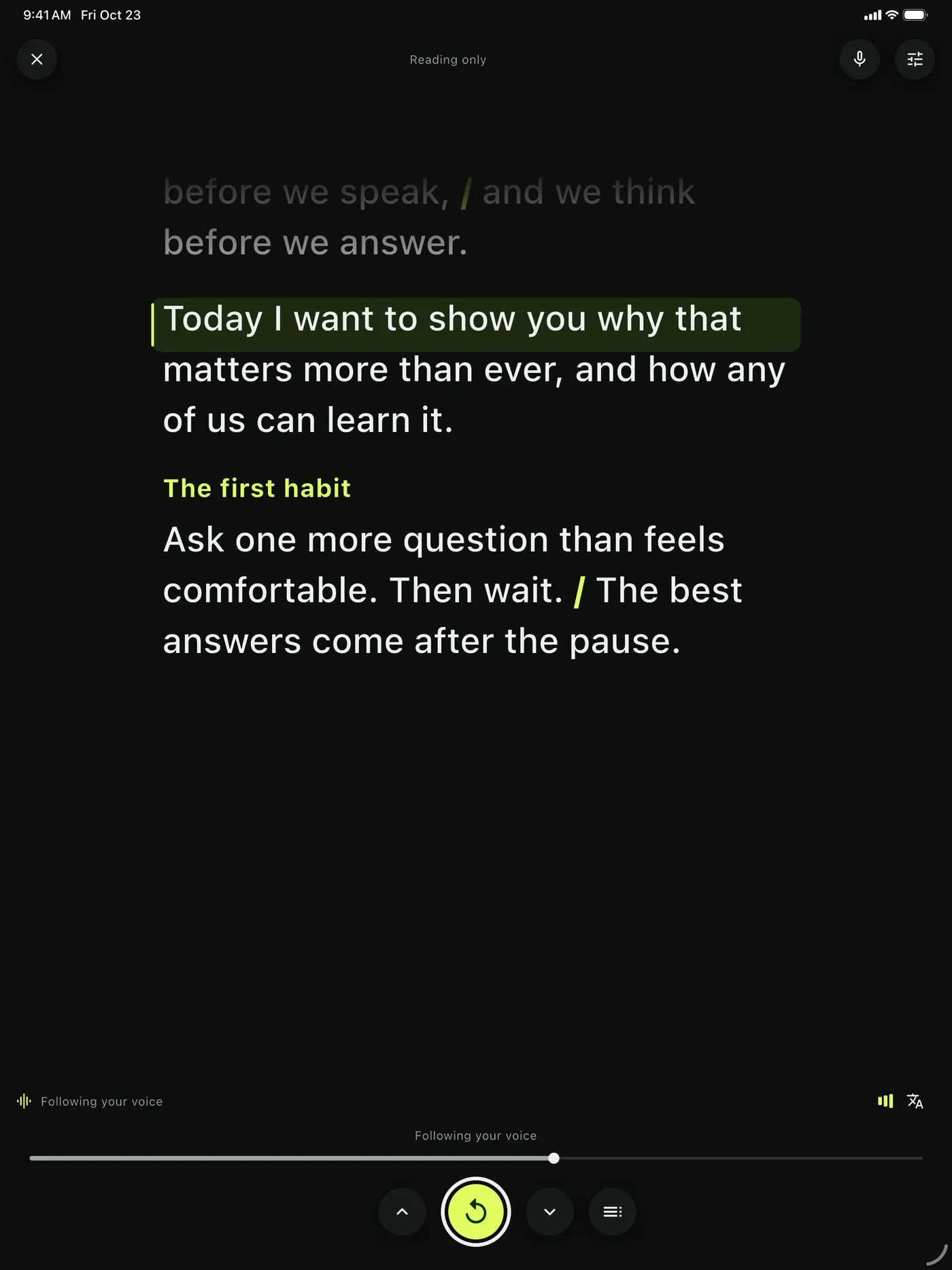
On a stand or in hand 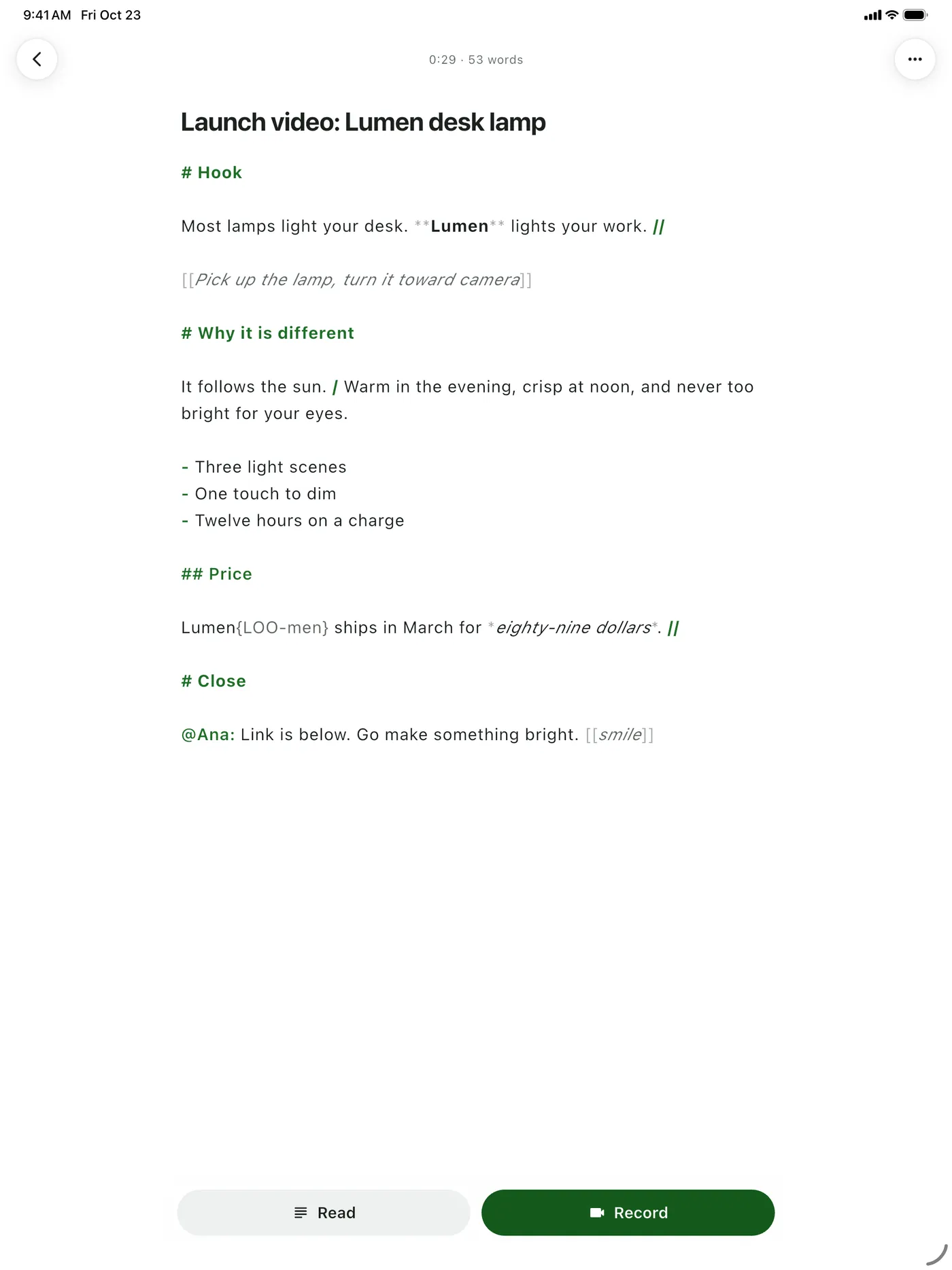
Open Word files


Go from a blank page to reading in minutes.
- 1
Paste or open your script
Write directly in the editor, paste text in, or open a Word, RTF, Markdown or plain text file right on the iPad.
- 2
Line up the words
Choose portrait or landscape, then drag the reading line until it sits just below your lens so your eyes stay on camera.
- 3
Pick how the script moves
Turn on voice following so the words keep up with you, set a steady pace from 50 to 260 words per minute, or scroll by hand.
- 4
Start reading
Tap to begin, or press Space on a keyboard, and read your script with your pace and time remaining always in view.
What Soyla gives you on the iPad’s big screen.
Portrait and landscape
Soyla turns with your iPad. In portrait the words sit at the top. In landscape they sit on the camera’s side, with the controls beside them.
Text size and colors
Set the text size, typeface, line spacing, column width and paragraph spacing to fill the screen the way you want. Choose soft dark, high contrast or light.
Keyboards and clickers
Space starts and pauses, arrows move a line, R repeats a sentence, and + and − change the pace. Presentation clickers and Bluetooth remotes that work like a keyboard do the same, handy when you’re reading a sermon.
Mirrored text for glass
Turn on mirroring and the script reads correctly through beam-splitter glass. Flip it upside down if your rig needs that instead. The video is never mirrored.
Recording and sound
Record in 720p, 1080p or 4K, where your camera allows, with front or back camera while the script scrolls on screen. Plug in a wired or USB microphone, check levels before you start, and trim the take when you’re done. The same app runs on your iPhone too.
Open Word files
Open a .docx, RTF, Markdown or plain text file in the editor. Headings, bold, italic and bullets come along, and the file is read on the device and not kept.
Can I use an iPad as a teleprompter?
Yes. Soyla turns your iPad into a teleprompter that scrolls a script next to the camera lens so you keep eye contact. It works in portrait or landscape, at a steady pace or following your voice, and it runs on iPadOS 15 or later. You can also mirror the text and place the iPad under beam-splitter glass.
How do I use a teleprompter on my iPad?
Download Soyla from the App Store, paste or open your script, and choose portrait or landscape. Drag the reading line until it sits just below your lens. Pick voice following, a steady pace or moving the script by hand, then tap to start. Soyla remembers your line position for each orientation.
Does the teleprompter work with an iPad keyboard or clicker?
Yes. Soyla on iPad responds to keyboards, presentation clickers and Bluetooth remotes that work like a keyboard. Space or Enter starts and pauses, arrow keys or Page Up and Page Down move a line, R repeats the sentence, and + and − change the pace. Most clickers send Page Up and Page Down.
Can I put an iPad in a teleprompter with glass?
Yes. Soyla can mirror the script for beam-splitter glass. Teleprompters like the Glide Gear TMP 100, the NEEWER X17 II and the Desview T12S are made to hold a tablet. The mirrored text reads correctly through the glass, and the recorded video is never mirrored.
Can I record video on an iPad while reading a script?
Yes. Soyla records video on the iPad while scrolling your script on screen. You can choose the front or back camera, pick up to 4K resolution where your camera allows, plug in a wired or USB microphone, and trim the take afterward. Recordings are written in pieces as you speak, so even a crash keeps everything up to the last second or so.
Is there a free teleprompter for iPad?
Yes. Soyla’s free online teleprompter at getsoyla.com/online-teleprompter runs in Safari on an iPad with no sign-up and no limit on how often you use it. The Soyla app is free to download, and the yearly plan starts with 7 days free with every feature included. Cancel at least 24 hours before the trial ends and you won’t be charged.
Your teleprompter on iPhone, iPad, Mac and Android.
No account to make, and your scripts stay on your device.
7 days free on the App Store or Google Play