
Your words stay yours.
Soyla is a teleprompter with no account and no cloud. What you write and record stays on your device, and when the script follows your voice, your speech is recognized there too. Nothing to sign up for, and nothing to trust us with.
Updated


Private because of how it’s built.
Soyla has nowhere to send your words: no account to tie them to and no cloud to keep them in.
No account
There is nothing to sign up for. No email address, no password, no profile. Open the app and start writing.
No cloud
Soyla has no server that stores scripts or recordings, so there is nothing to sync, leak or lose access to.
On-device voice
Voice following uses the speech recognition built into your device. Where that isn’t available, it stays off rather than going online.

Not linked to you
Soyla doesn’t track you across apps, shows no ads and sends your script to no AI service.
Leaves only when you choose
Sharing, saving to Photos or your gallery and exporting hand a copy to the place you pick. Your original stays where it was.
Yours to take or delete
Export every script as plain text and every take as the original video. Or delete everything in one step.
Everything you make, and where it lives.
How Soyla handles your scripts, recordings, voice and data. Everything works offline once your voice language is installed.
- Scripts and their versions
- Soyla keeps it inside the app on your device and never uploads it.
- Takes
- Recorded straight into the app’s library on your device. Never uploaded. They reach Photos, your gallery or another app only when you save or share one.
- Your voice
- With voice following on, speech is recognized on your device and never sent anywhere. Practice reads are sound only, and deleted when you close them.
- Files you open
- A Word, RTF, Markdown or text file is read on your device to make a script. The file itself is not kept.
- Settings
- Stored on your device with your library.
- Device backups
- Your phone’s or Mac’s own backup, such as iCloud Backup, an Android backup or Time Machine, may include the app’s library, under the backup settings you choose.
It listens on your device, or not at all.
Soyla recognizes your voice on your iPhone, iPad, Mac or Android phone and never sends speech anywhere. Install your language once, and voice following works with no connection at all.
The microphone is used only for voice following, practicing aloud and the sound of your takes. Reading at a steady pace needs no microphone, and reading without recording needs no camera.
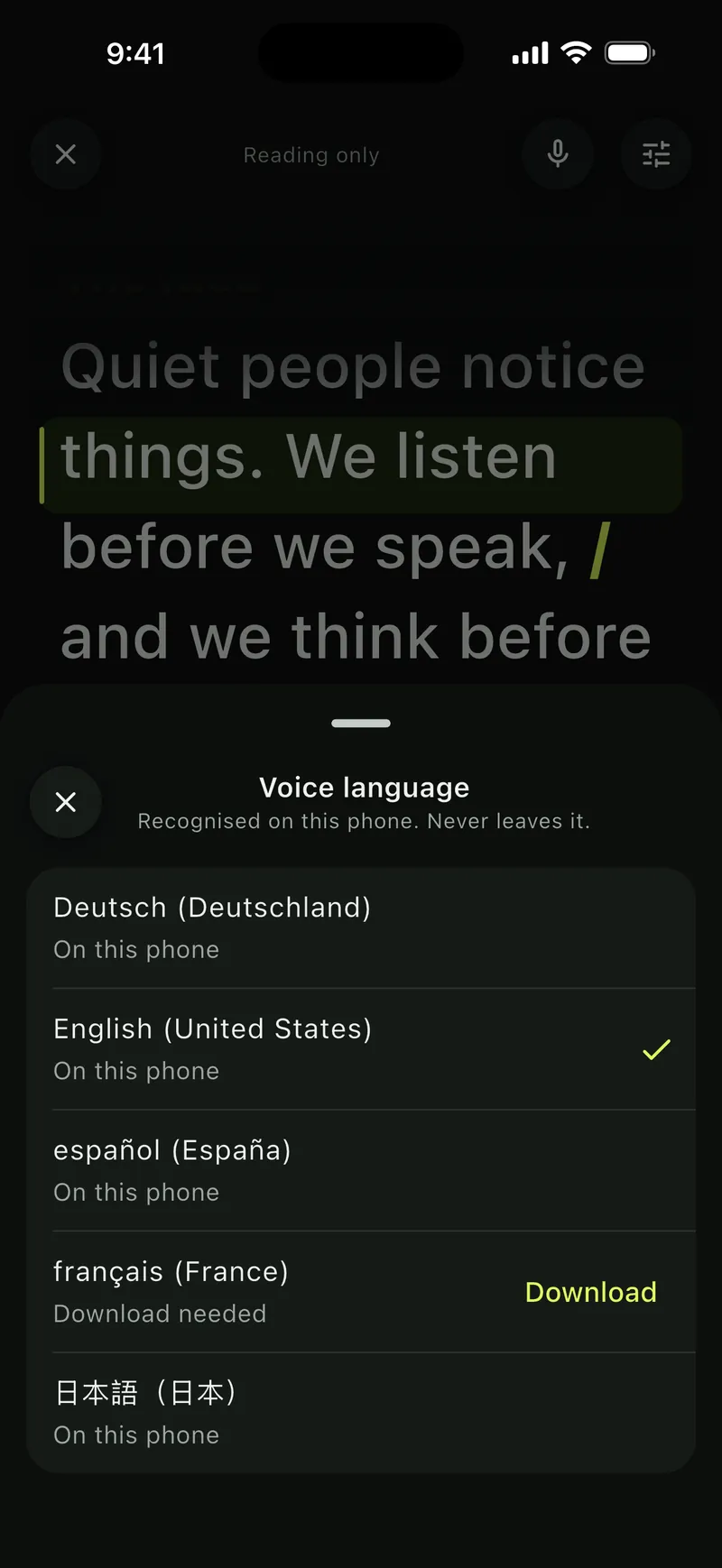
Recognised on this phone. Never leaves it. 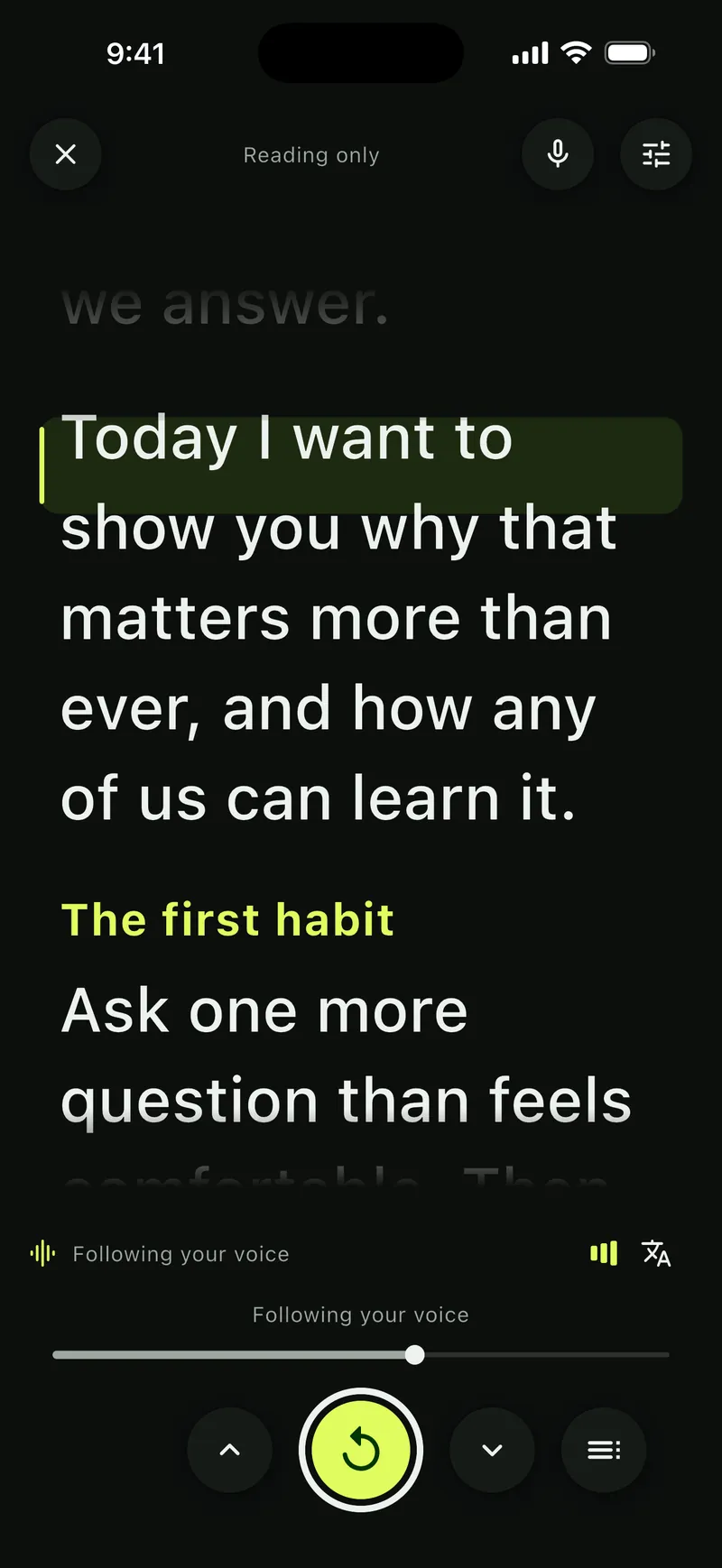
Following your voice 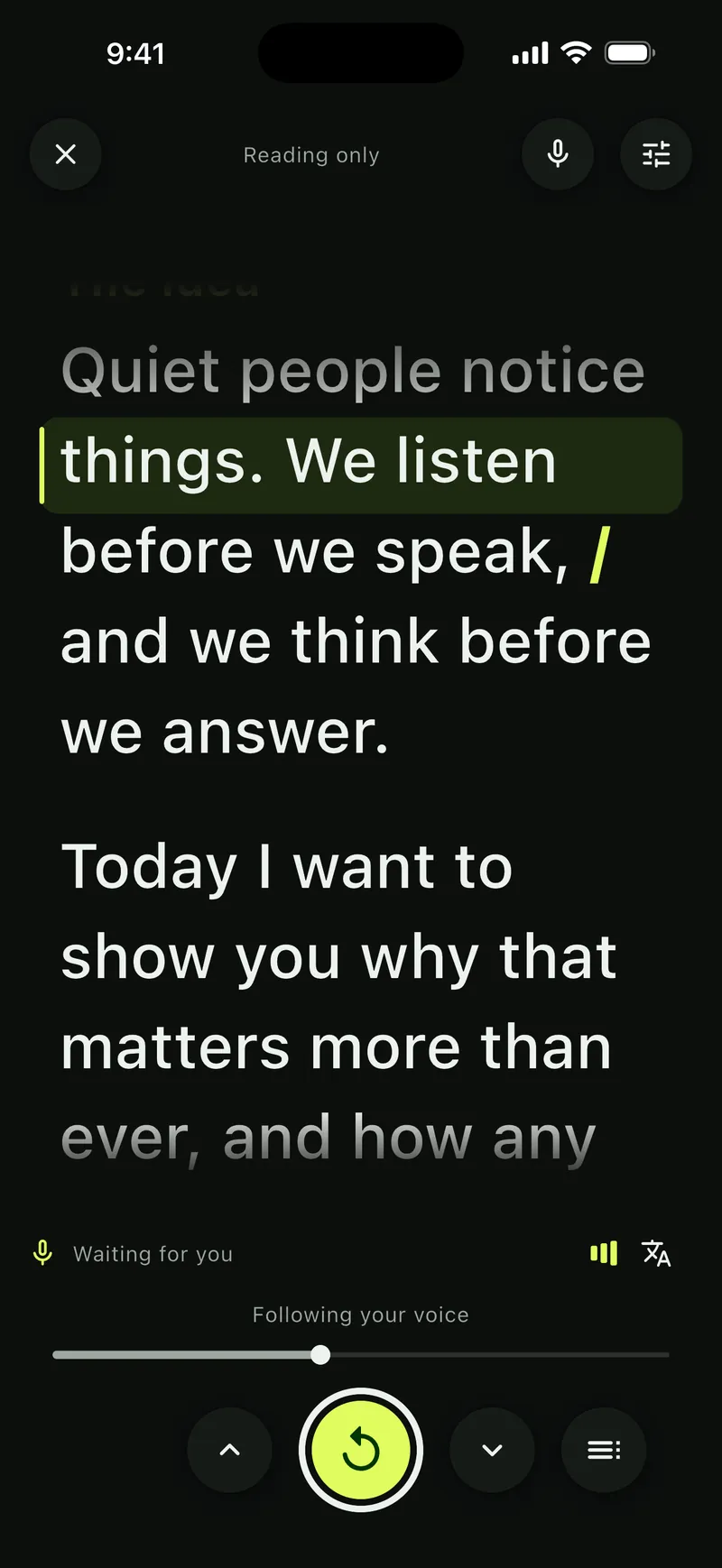
Waiting for you 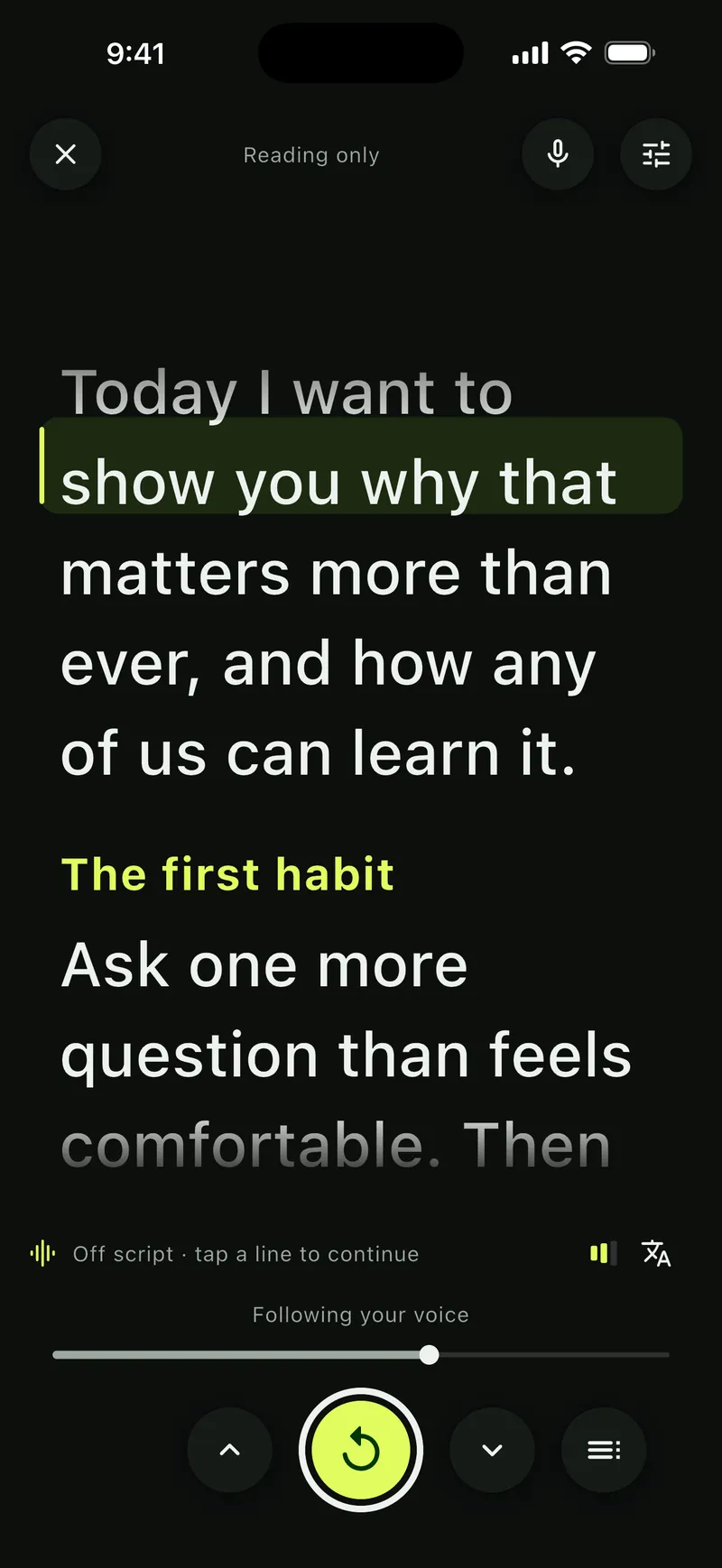
Off script · tap a line to continue


Keep a copy, or clear it all.
Your library is never locked in. Open About, then Your data.
- Export scripts. Every script as a plain text file, with its settings saved alongside.
- Export scripts and takes. The same, with every take as the original video.
- Delete everything. All scripts, takes and settings are removed from your device. Copies you exported or shared are not affected.
If you stop paying, you can still open, share, export and delete your work.


Anonymous counts of features used, never your words.
Soyla counts which features are used and how often, and errors, so we know what to make better. Never your scripts, recordings, files or voice. The count is sent with a random ID, never a name, account or location, and none of it is linked to you. You can turn it off in Your data at any time.
Turn it off at any time under About, then Your data. Turning it off stops it at once; turned back on, it starts with a new ID.
What other apps ask of you.
Each app’s own App Store privacy label and policy, side by side. Most of them link some of your data to you. Soyla links none.
| Question | Soyla | Teleprompter.com | BIGVU | Teleprompter Pro | Teleprompter by Teleprompter Apps | PromptSmart Pro | Teleprompter for Video | Speakflow |
|---|---|---|---|---|---|---|---|---|
| Account | None. Nothing to sign up for. | Optional. Without one, scripts stay on the device. | Not stated. Its label lists your name and email. | Not stated by the developer | Not stated as required. Cloud Sync and video backups use your account. | None needed for the Pro app. An account is only for the Extended subscription, per its help center. | Optional. Skip it to use offline mode. | Account-based: scripts are stored in Speakflow |
| Where your scripts are kept | On your device only. Never uploaded. | Cloud Sync stores scripts and recordings on its servers. It can be turned off. | Kept in the BIGVU Cloud and its web composer. | Optional Cloud Sync to your account. Video backups are kept for 48 hours unless turned off. | Optional Cloud Sync to your account. After you share or save a recording, a backup is kept in its cloud for 48 hours unless turned off. | On the device. File Sync comes with the Extended subscription. | In its database when you log in; on the device in offline mode. | Stored in Speakflow. Saved recordings are uploaded. |
| Voice following | Yes. Recognized on your device and never sent anywhere. | Yes (VoiceGlide), on the device and offline, per the developer. | Yes (Voice Control). Its privacy policy says teleprompter audio is analyzed locally. | Not offered | Not offered | Yes (VoiceTrack), on the device, per the developer. English only in Pro. | Yes, with Apple’s speech recognition. Its help page suggests the online mode. | Yes (Flow). Uses cloud speech when on-device recognition isn’t available, per its release notes. |
| Data used to track youFrom the App Privacy label on the App Store. | None | Identifiers | Identifiers, usage data | None | None | None | Contact info (email and name) | None |
| Data linked to youFrom the App Privacy label on the App Store. | None. Usage, purchases, diagnostics and a device ID are listed as not linked to you. | Contact info, identifiers, usage data | Contact info, user content, identifiers, usage data | Purchases, contact info, user content, identifiers | Contact info (for the developer’s marketing), user content, a user ID | None. Five kinds of data are listed as not linked to you. | Purchases, contact info, user content | Contact info, user content including audio, identifiers, usage data |
| Your script and AI services | No AI service ever sees your script. | Its AI script generator and voice features send your text to OpenAI and ElevenLabs, per its privacy policy. | Prompts and script text are sent to OpenAI for AI features, per its privacy policy. | Auto Captions run without cloud processing, per the developer. | Auto Captions run without AI models or cloud processing, per the developer. | AI script writing, powered by Llama, per its release notes. Where it runs is not stated. | Premium includes AI script writing. Its privacy policy lists the OpenAI API. | Connects to AI assistants through an API |
About your privacy.
The full details are in the app’s privacy policy.
This website is separate from the app, and nothing you do here reaches it. The site measures visits and our ads and offers a chat, as its own policy explains.
Questions: support@getsoyla.com
Does Soyla upload my scripts or videos?
No. Soyla keeps scripts, versions, settings and takes inside the app on your device. They are never uploaded. They leave only when you share, save or export them yourself.
Do I need an account?
No. There is nothing to sign up for and no password to keep. Open the app and start writing.
Is my voice sent anywhere?
No. Voice following recognizes speech on your device. Where the device can’t recognize speech itself, voice following stays off instead of going online.
Does Soyla work offline?
Yes. Writing, reading and recording all work offline. Voice following needs its language installed once; after that it works offline too.
Does Soyla collect anything at all?
Yes. Soyla sends anonymous usage statistics unless you turn them off in Your data. Those statistics cover which features are used and how often, and errors. They never include your scripts, recordings, files or voice, and never a name, account or location.
Write without an account.
Download Soyla and start a script in seconds. Your words stay on your device, from the first draft to the last take.
7 days free on the App Store or Google Play