On this page
No. Apple’s iOS 27 page doesn’t list a teleprompter feature for the iPhone. You can get close with two of Apple’s own apps, but to read to the camera while you record, you need a teleprompter app.
The one thing that matters most in a teleprompter app on a phone is where it puts your words relative to the lens.
A Stanford study by Milton Chen (CHI 2002) found that people notice much less when a speaker’s gaze drops below the camera than when it drifts to the side or above. On a phone held about a foot away, that means your script should sit within roughly an inch of the front camera.
What Apple gives you today#
Two of Apple’s own apps can scroll text on an iPhone.
Pages presenter mode. Apple’s free word processor has a presenter mode so that, in Apple’s words, “your text scrolls automatically like it’s on a teleprompter.” You turn on Auto Scroll, drag a slider to set the speed, tap to start, and tap again to pause. It “displays body text only.”
Keynote presenter notes. If your script lives in a slide deck, you can view and scroll your presenter notes while you present. Apple’s Keynote guide says “you can also scroll your notes.”
To read to the camera while you record, you need a teleprompter app.
Why the position of your script matters#
On an iPhone a foot from your face, the Stanford paper’s margin is about an inch below the lens. If your script sits in the center or bottom half of the screen, your eyes drop well past that.
The Stanford finding is clear: side-to-side and upward glances are the most obvious. Keeping the words just under the lens is the simplest way to look natural.
How to turn your iPhone into a teleprompter with Soyla#
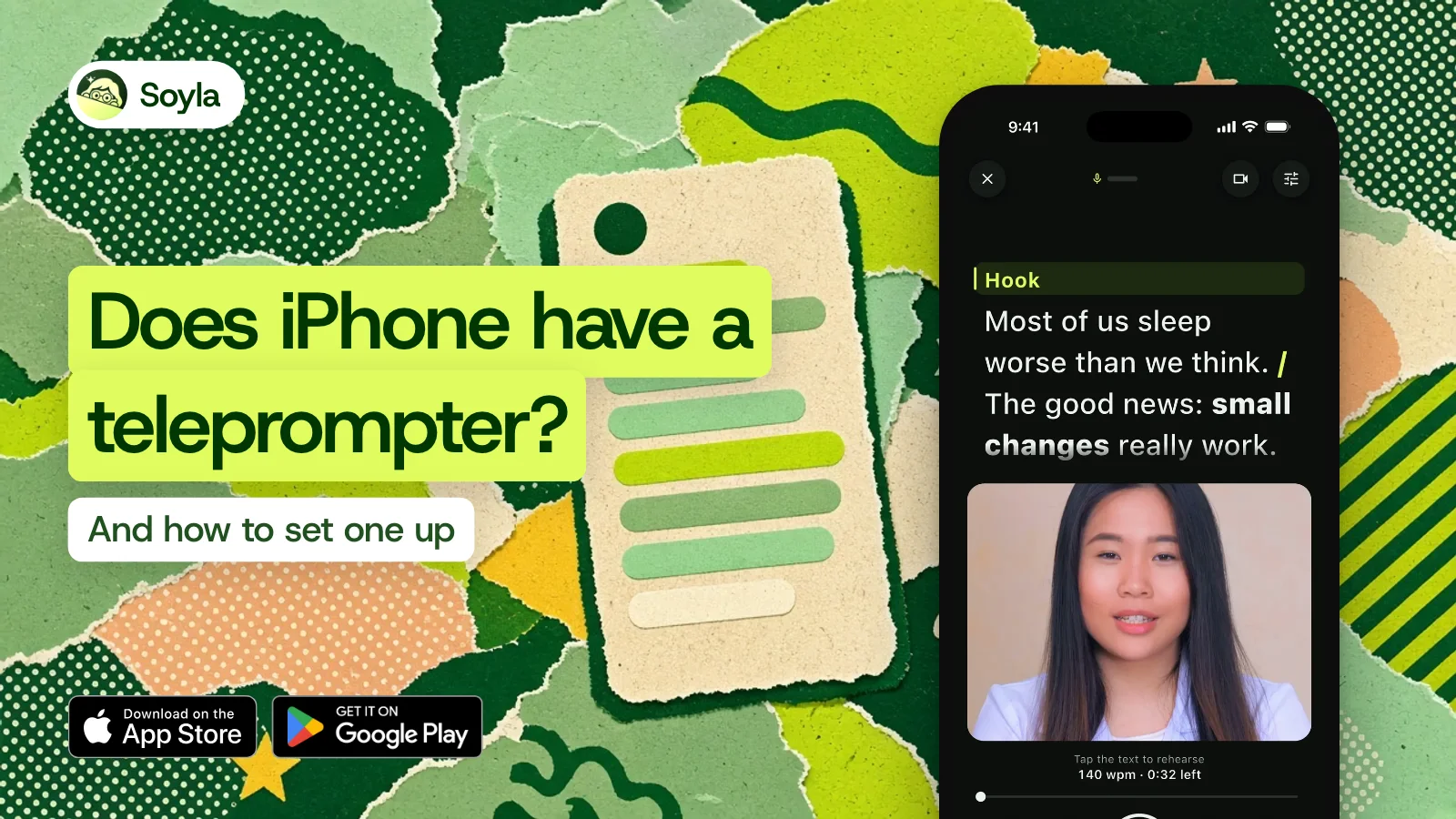
Soyla is a teleprompter app for iPhone and iPad (iOS 15 or later) and Macs with Apple silicon. The script sits at the top of the screen in portrait, right beside the front camera. Here’s how to set it up:
- Write or paste your script. You can also open a Word, RTF, Markdown, or plain text file. Headings, bold, and bullets come along. Imported documents can hold up to 200,000 characters.
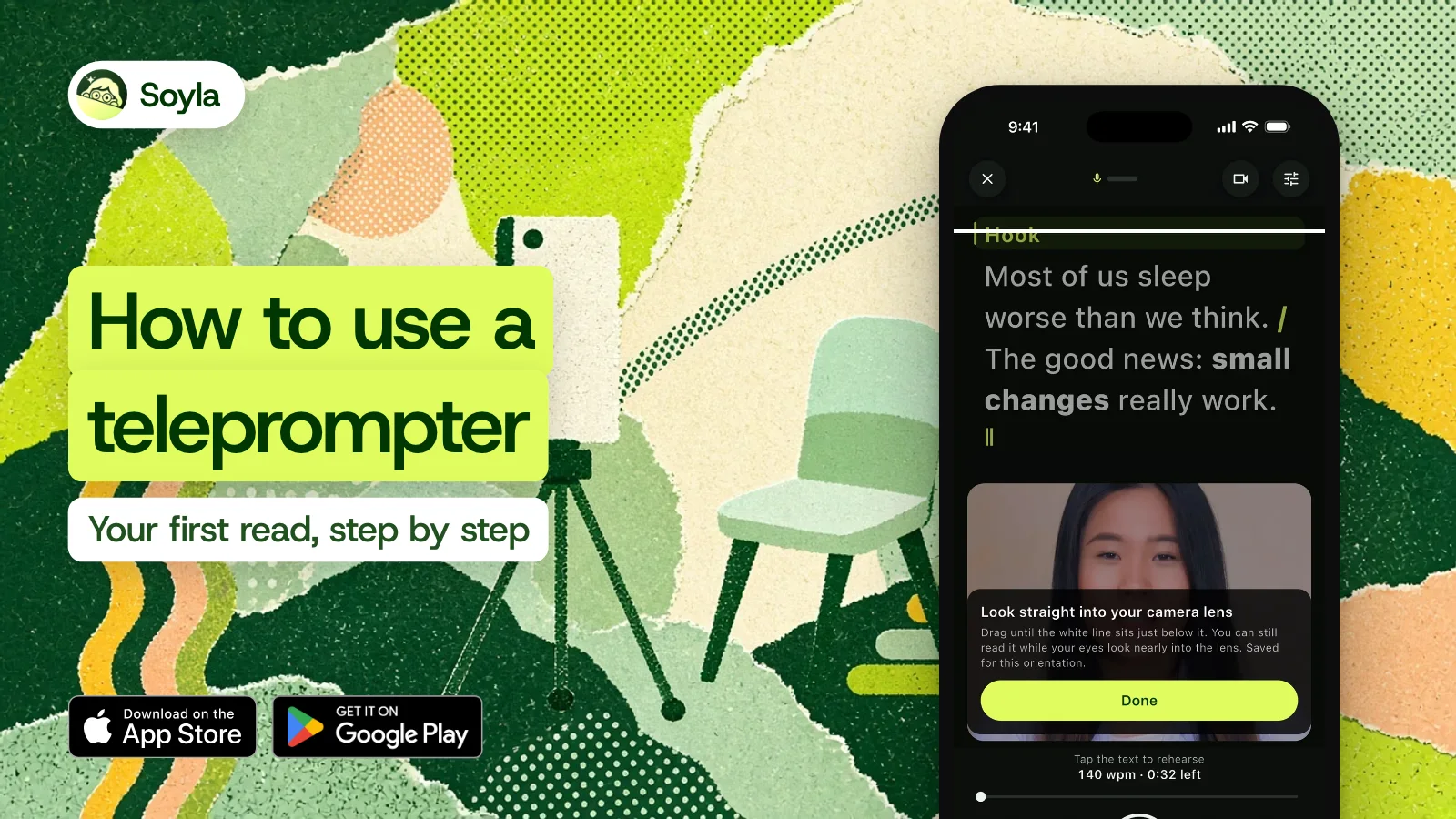
- Put the words by the camera. In portrait, text sits at the top. You can drag the reading line until it’s just below your lens, and Soyla remembers the position for each orientation. Use the full screen, the top half, or the top third.
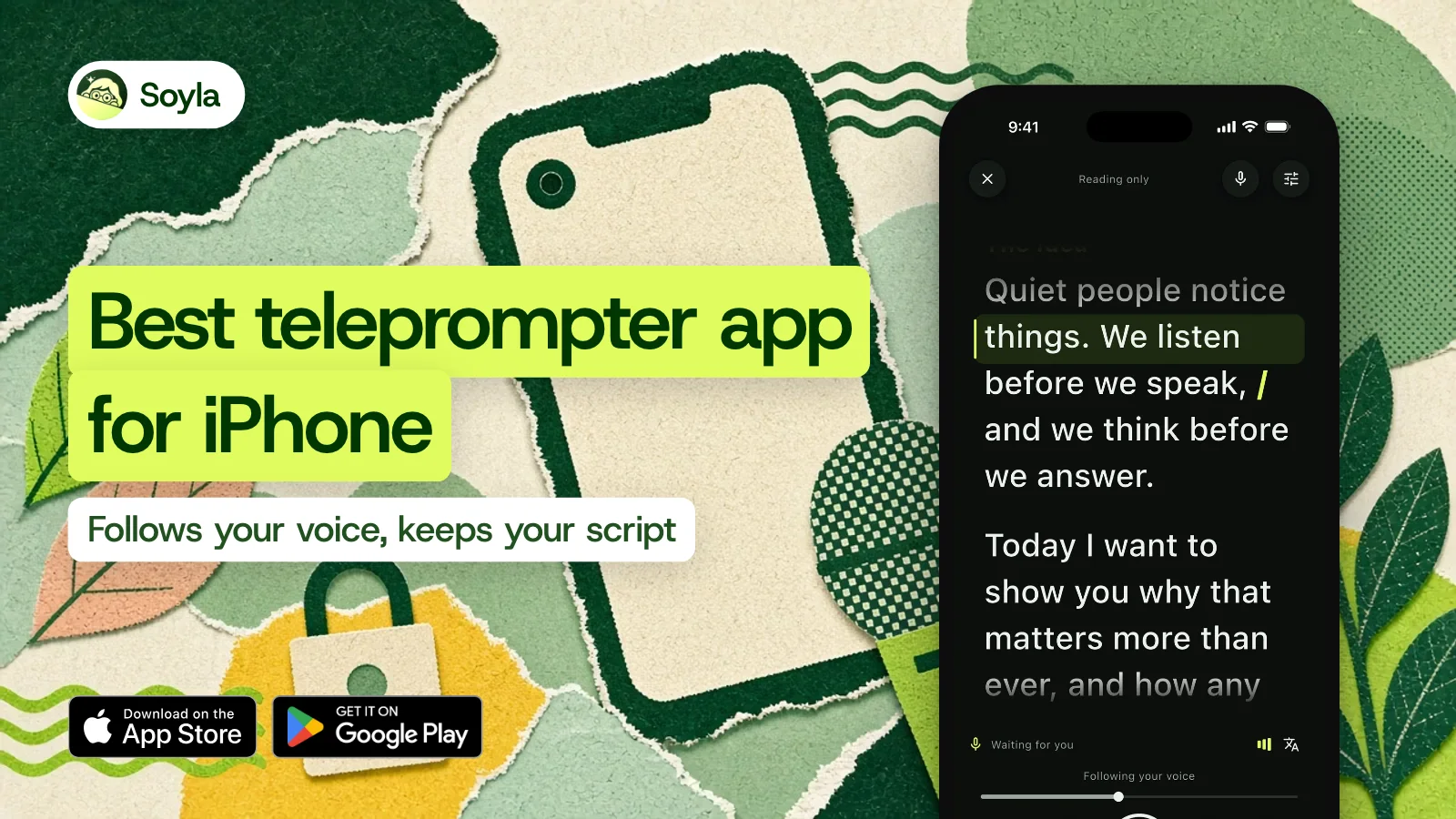
- Choose how the script moves. Set a steady pace from 50 to 260 words per minute, move it by hand, or turn on voice following. With voice following, the script keeps up as you talk. When you pause, it eases to a stop and shows “Waiting for you,” then moves the moment you speak again.
- Record. Tap record and the script stays on screen while the camera rolls. Front or back camera, up to 4K at up to 60 frames per second where your camera allows. Pause or repeat the script while the video keeps rolling. Start a retake from any sentence instead of going back to the top.
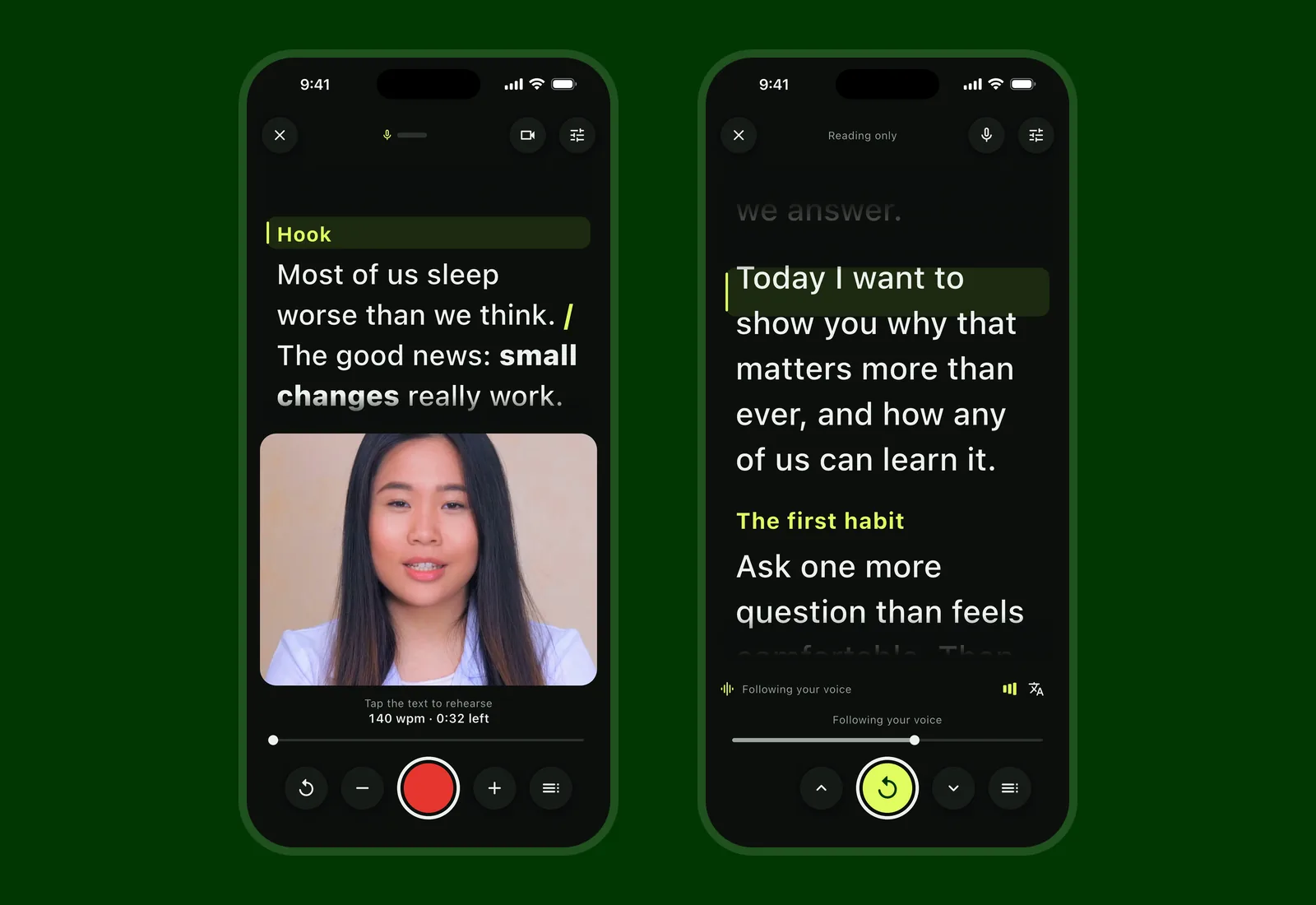
After you finish, trim the take, reshape it for vertical, square, or wide feeds, even out loudness, and share. No watermark, ever.
Voice following keeps the script with you#
A fixed scroll speed is fine for short reads, but the moment you pause to think or go off script, the words keep moving without you. Soyla’s voice following listens on the device and matches the script to what you say. Speech is recognized on the device and never sent anywhere.
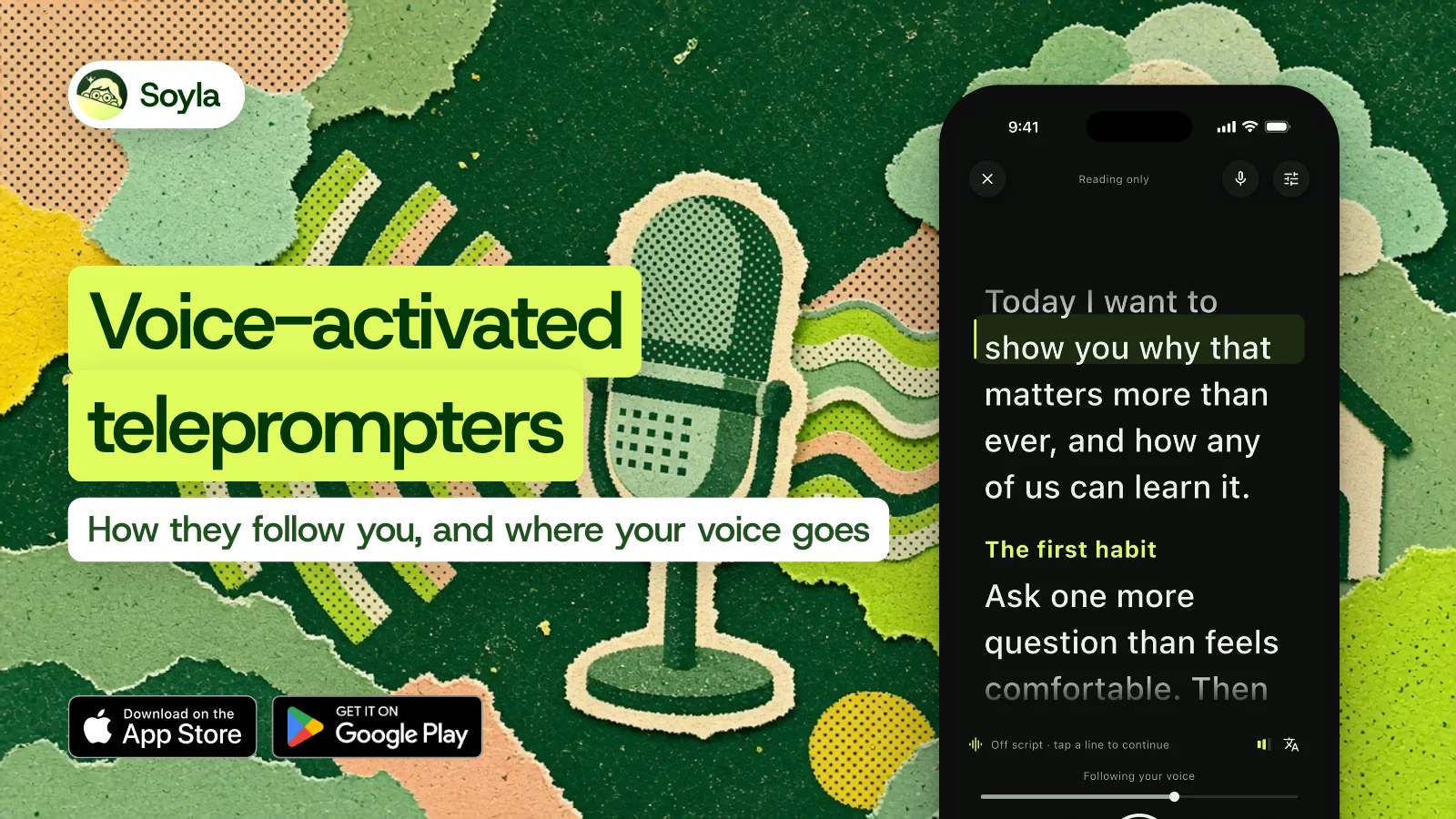
Skip a sentence and Soyla finds you. Go off script and it shows “Off script” without racing ahead, and picks up when you’re back on your words. Read a passage again and it follows you back.
In testing with synthetic voices, Soyla is typically 1.2 words behind your voice, and after a pause it moves again within 0.4 seconds in 95 of 100 restarts.
You can switch between voice following, a steady pace, and manual control at any moment, even mid-take.
Try it in your browser first#
If you want a quick feel for reading off a screen, Soyla’s free online teleprompter runs in Safari on your iPhone with no sign-up, no trial, and no limit. Paste your script, set a pace, and start reading.
On a computer, in Chrome or Edge, the script can float in a small window on top of Zoom, Google Meet, or Teams so you can position it just under your webcam.
The online version has a “With my voice” mode that pauses scrolling whenever you stop talking. Your script stays in the browser’s own storage and is never sent anywhere.
A quick note on reading aloud#
Even with the words in the right place, reading a teleprompter naturally takes practice. A few things help: use a large text size so your eyes don’t dart, keep sentences short so you can breathe between them, and rehearse once before you hit record.
Soyla’s Find your pace feature lets you read a short passage aloud, times it, and offers that as your words-per-minute setting. That way the scroll matches the speed you’d actually speak, pauses included.
Frequently asked questions
Does the iPhone have a built-in teleprompter?
No. Apple’s iOS 27 page doesn’t mention a teleprompter. Pages has a presenter mode that auto-scrolls body text, and Keynote lets you scroll presenter notes. To read to the camera while you record, you’ll need a teleprompter app like Soyla.
Can I use my iPhone as a teleprompter for free?
Yes. Soyla’s free online teleprompter runs in Safari on your iPhone with no sign-up and no limit. For voice following and recording on the iPhone, the Soyla app is free to download. The yearly plan, which includes every feature, starts with 7 days free. Cancel at least 24 hours before the trial ends and you aren’t charged.
Can my iPhone’s teleprompter follow my voice?
It can with Soyla. Turn on voice following and the script moves as you talk. When you pause, it shows “Waiting for you” and picks up when you continue. Speech is recognized on the device and never sent anywhere. Soyla supports more than 50 languages and regional variants on iOS 26.