On this page
A voice-activated teleprompter uses your voice to move the script, so the scroll doesn’t run on without you. Some apps recognize the actual words you say and match them to your text. Others measure only how loud you are, moving while you talk and pausing when you stop.
Both approaches wait when you stop talking, but they differ in one way that matters more than accuracy: where your voice is heard. Every word of an unreleased script is spoken out loud to the app that follows it, so whether that audio stays on your device or travels to a server is the first question worth answering.
Two ways a teleprompter can follow your voice#
Word matching means the app listens to what you say and lines it up with your script. So the app knows where you are in the script.
Volume detection is simpler. The app checks whether sound is coming in. While you talk, the scroll moves at the pace you set. When you stop, it stops. It can’t tell the difference between reading your script and chatting with someone off camera, and it won’t notice if you skip a paragraph.
The free online teleprompter at getsoyla.com uses the volume approach, labeled “With my voice”, and it measures only how loud you are, in the browser. The Soyla app on iPhone, iPad, Mac and Android does full word matching on the device.
Two places your speech can be processed#
Speech recognition can happen on the device itself or on a server. When it happens on the device, your audio never leaves. When it happens on a server, your words travel over the internet to be processed and the result comes back.
Mozilla’s developer documentation (MDN) spells this out for browsers: “On some browsers, like Chrome, using Speech Recognition on a web page involves a server-based recognition engine. Your audio is sent to a web service for recognition processing, so it won’t work offline.”
That’s worth knowing when you’re reading a script nobody else has seen yet — a product launch, a pitch, a sermon, a sales talk. The audio contains every word of that script, spoken clearly, in order.
Where each app’s voice feature hears you#
The table below is drawn from each app’s own pages, read on November 4, 2026.
| App | Where its voice feature hears you |
|---|---|
| Soyla | On the device. Where on-device recognition isn’t available, voice following stays off rather than going online. |
| Teleprompter.com | On the device, per the developer. VoiceGlide works offline. |
| PromptSmart Pro | On the device, per the developer. VoiceTrack needs no internet connection. English only in the Pro app; PromptSmart+ adds 15 languages with a separate subscription. |
| BIGVU | On the device, per its privacy policy, which says the teleprompter analyzes audio locally. |
| Teleprompter for Video | Uses Apple’s speech recognition. Its help page says online is generally preferred unless you’re somewhere with no internet connection. |
| Speakflow | Its security page says Flow may process microphone audio through external speech services. Its release notes say Flow uses cloud speech when on-device recognition isn’t available. |
A few of these apps also send script text to outside AI services. Teleprompter.com’s privacy policy says the text you submit goes to OpenAI and ElevenLabs when you use its AI script generator or a voice feature.
BIGVU’s privacy policy names OpenAI for script generation and ElevenLabs for voice and audio. Teleprompter for Video’s Premium plan includes AI script writing, and its privacy policy lists the OpenAI API. These features touch the same script.
For a broader look at how teleprompter apps handle your data, there’s a detailed privacy comparison on this blog.
How Soyla’s voice following works on the device#
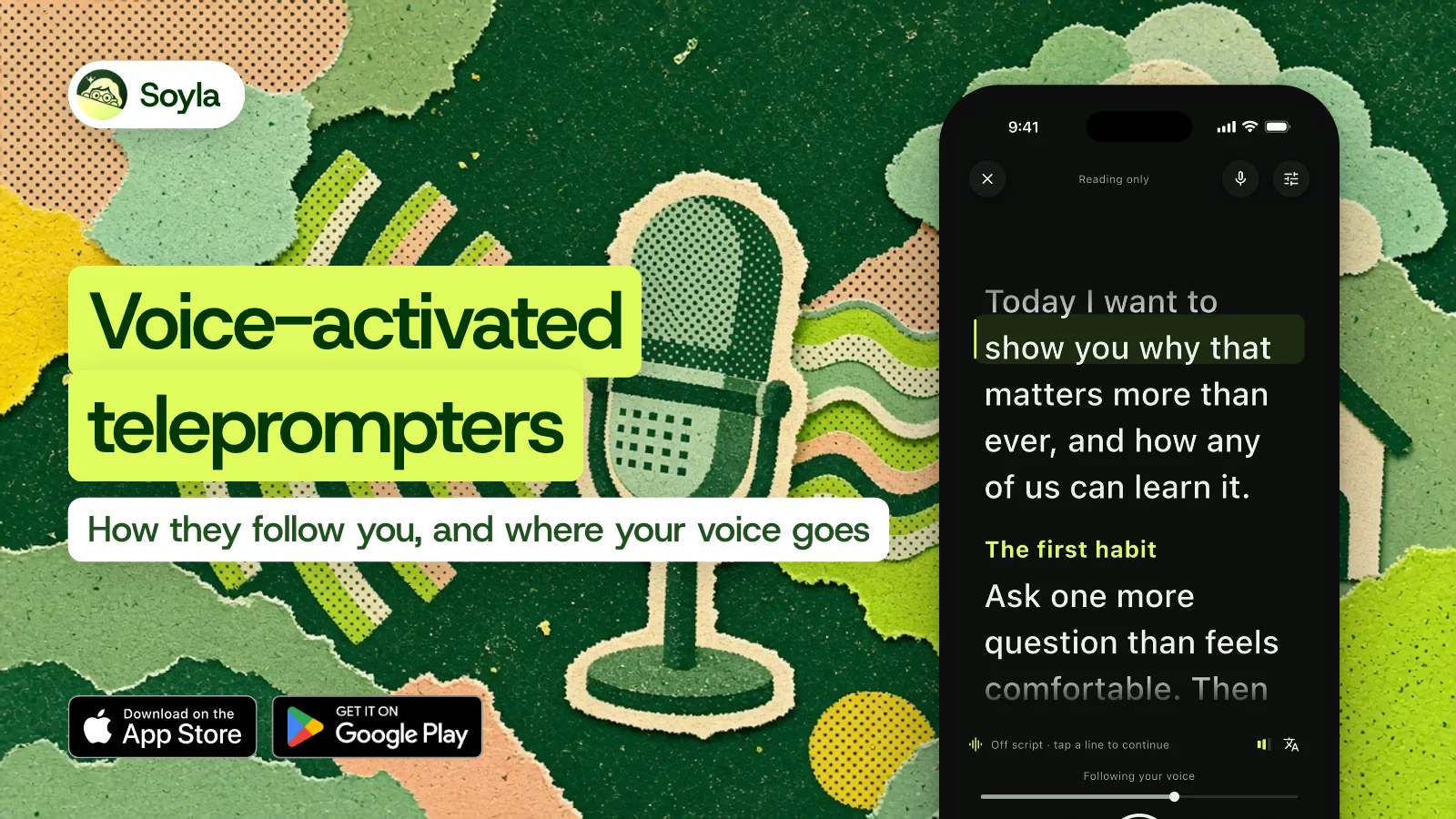
Soyla recognizes the words you say and matches them to your script, entirely on the device. Your speech is never sent anywhere. If a language’s on-device recognition isn’t available, voice following stays off — it won’t quietly fall back to a server.
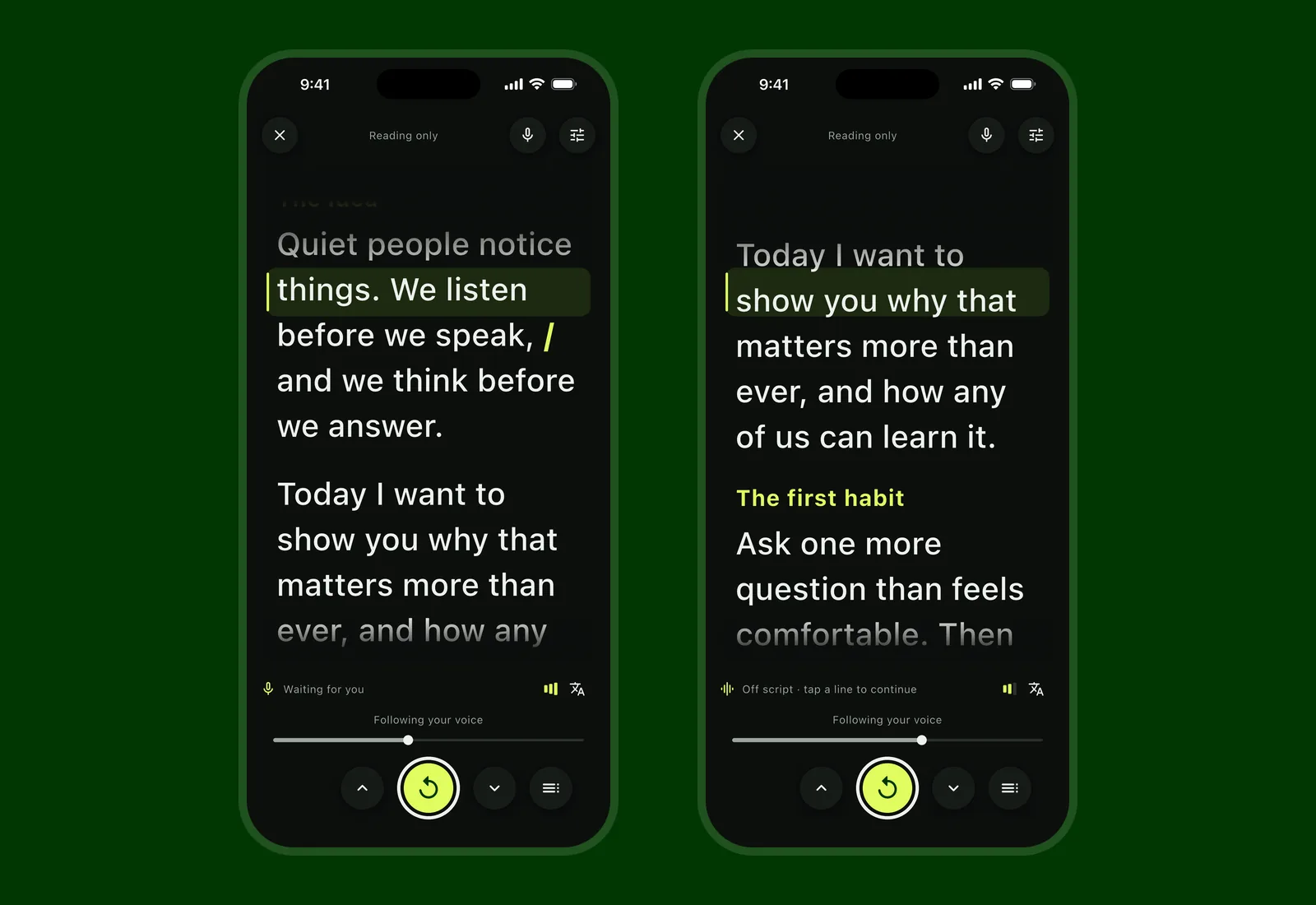
When you pause, the script eases to a stop and shows Waiting for you. When you go off script, it shows Off script and picks up when you return to your words.
Skip a sentence or two and it finds your place. Jump further ahead and it shows Found your place further on with a button, instead of leaping on a guess. Read a passage again and it follows you back. Touch the script at any point and following stops; let go and it carries on from that line.
Voice following works while recording, and you can switch to a steady pace or to moving the script by hand at any moment, even mid-take. It supports more than 50 languages and regional variants on iOS 26 and macOS 26. You can read more about how Soyla’s voice following is measured.
Soyla’s measured numbers#
These were measured by replaying recorded reads through Soyla’s own voice following. The test voices were synthetic, so these are a bar each update must clear, not a promise for every room.
- Typically 1.2 words behind your voice (median).
- Moves again within 0.4 seconds after a pause, in 95 of 100 restarts.
- Drifts 0.5 words while you’re off script.
- Finishes 0 words short of the end.
- A 14-word skip was followed in 3.0 seconds; a 38-word skip in 5.1 seconds.
- A re-read two sentences back was followed in 2.4 seconds.
- A read drowned in noise never moved the script.
After a read, Soyla offers the pace you actually spoke at as your words-per-minute setting, so the next fixed-speed run already fits how you talk.
Privacy beyond voice#
Voice processing is one part of the picture. Soyla needs no account and no sign-in. Scripts, recordings and settings stay inside the app on your device and are never uploaded. No AI service ever sees your script. The App Store privacy label says no data is used to track you and no data is linked to you.
Anonymous usage statistics — which features are used and how often, plus errors — can be turned off in Your data at any time. Delete everything removes every script, take and setting in one step. You can compare Soyla’s privacy approach side by side with other teleprompter apps.
Try it#
Download Soyla free on iPhone, iPad, Mac or Android. The yearly plan starts with 7 days free, every feature included. Cancel at least 24 hours before the trial ends and you aren’t charged. If you’re on a computer without the app, the free online teleprompter runs in a modern browser with no sign-up.
Frequently asked questions
What is a voice-activated teleprompter?
It’s a teleprompter that uses your voice to control the scroll instead of running at a fixed speed. Some apps match your words to the script so they know exactly where you are. Others just detect whether you’re speaking and pause when you stop. Either way, the text won’t race ahead while you catch your breath.
Does voice scrolling work offline?
It depends on the app. Soyla’s voice following runs entirely on the device and works offline once you’ve installed the language. Some other apps also run on-device. Others may send audio to a server, which means they need an internet connection and your speech leaves your device.
Is my voice sent to a server when a teleprompter follows it?
Not always, and it varies by app. Soyla processes speech on the device and never sends it anywhere. Some apps, like Speakflow, may use cloud speech services when on-device recognition isn’t available. Check each app’s privacy policy or security page.