On this page
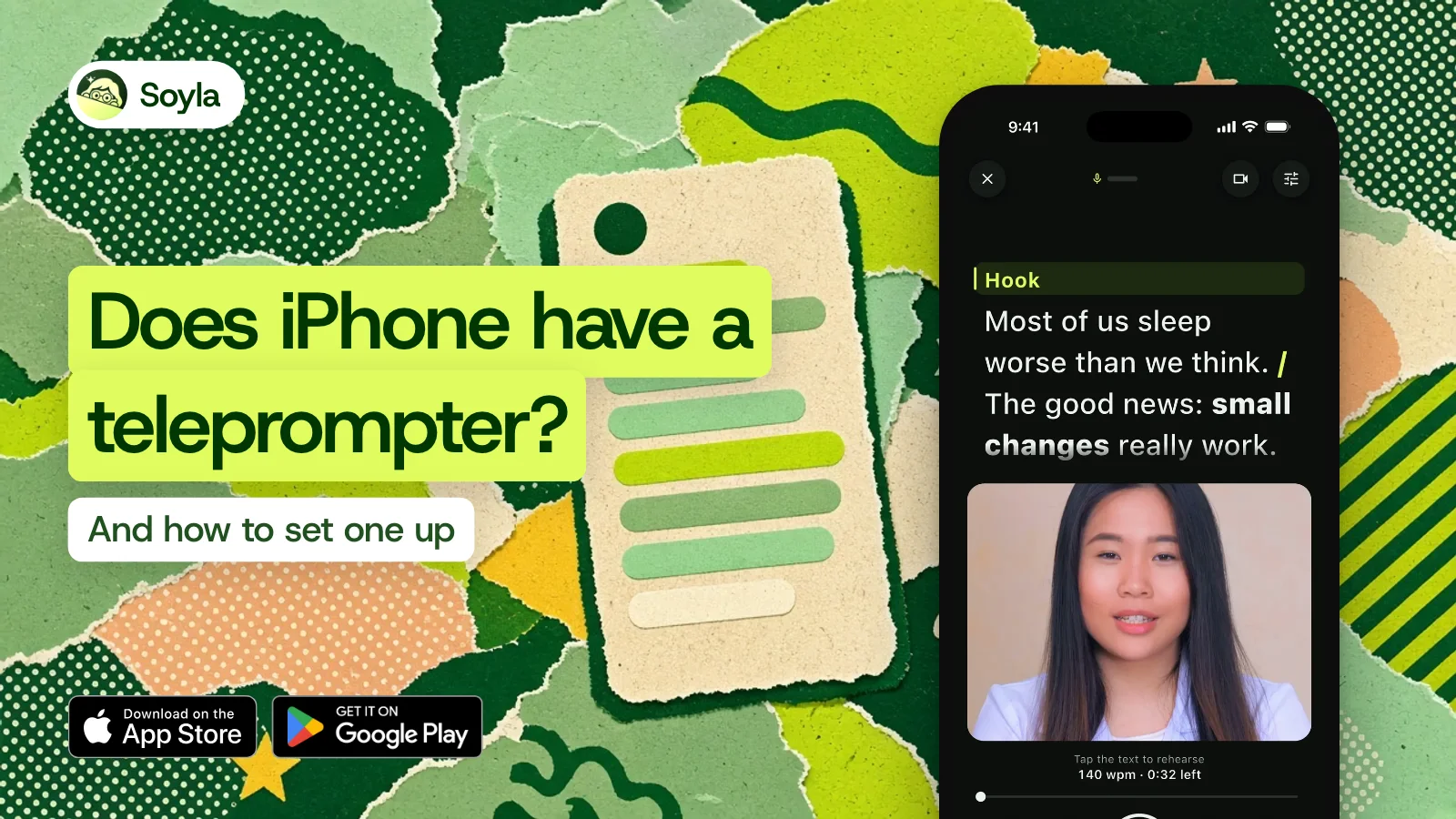
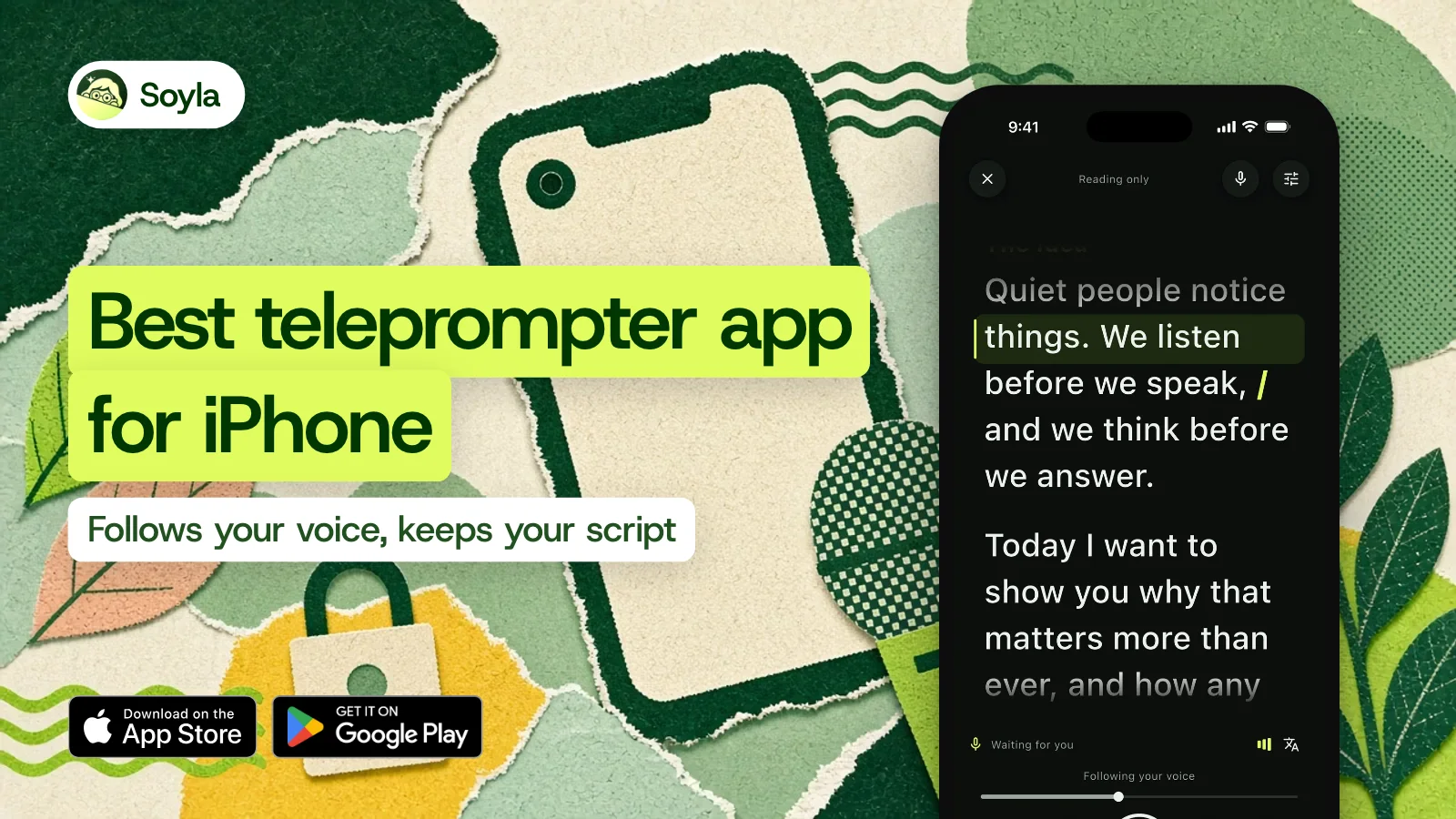
As of November 2026, our answer is Soyla, the teleprompter that follows your voice on iPhone. We make it, so we’ll be upfront about that. We’ll also be upfront about every other app mentioned here: each statement comes from that app’s own App Store page, privacy label or website, checked in November 2026.
The best teleprompter app for iPhone is the one that follows your voice instead of forcing you to match a fixed speed, processes your speech on your phone instead of sending it to a server, keeps your script on your device without an account, and gives you the recording with no watermark. Soyla does all four.
Test 1: Does the app wait for you?#
A fixed scroll speed sounds fine until you pause to think, skip a line or repeat a sentence. Then the words keep moving and you’re lost.
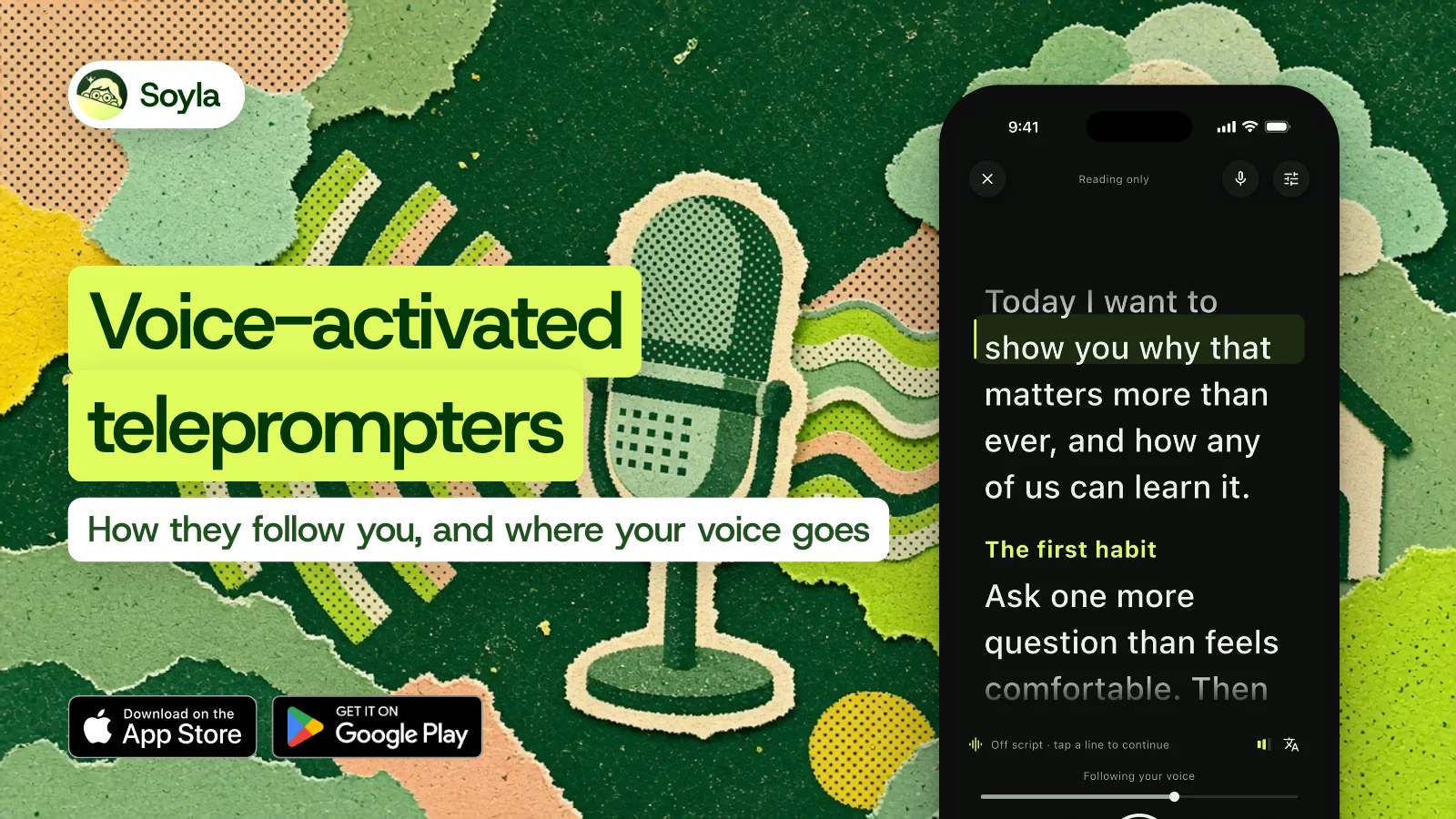
Soyla’s voice following keeps the script with you as you talk. When you stop, it eases to a halt and shows Waiting for you. When you go off your words, it shows Off script and waits for you to come back. As soon as you’re back on script, it picks up where you left off.
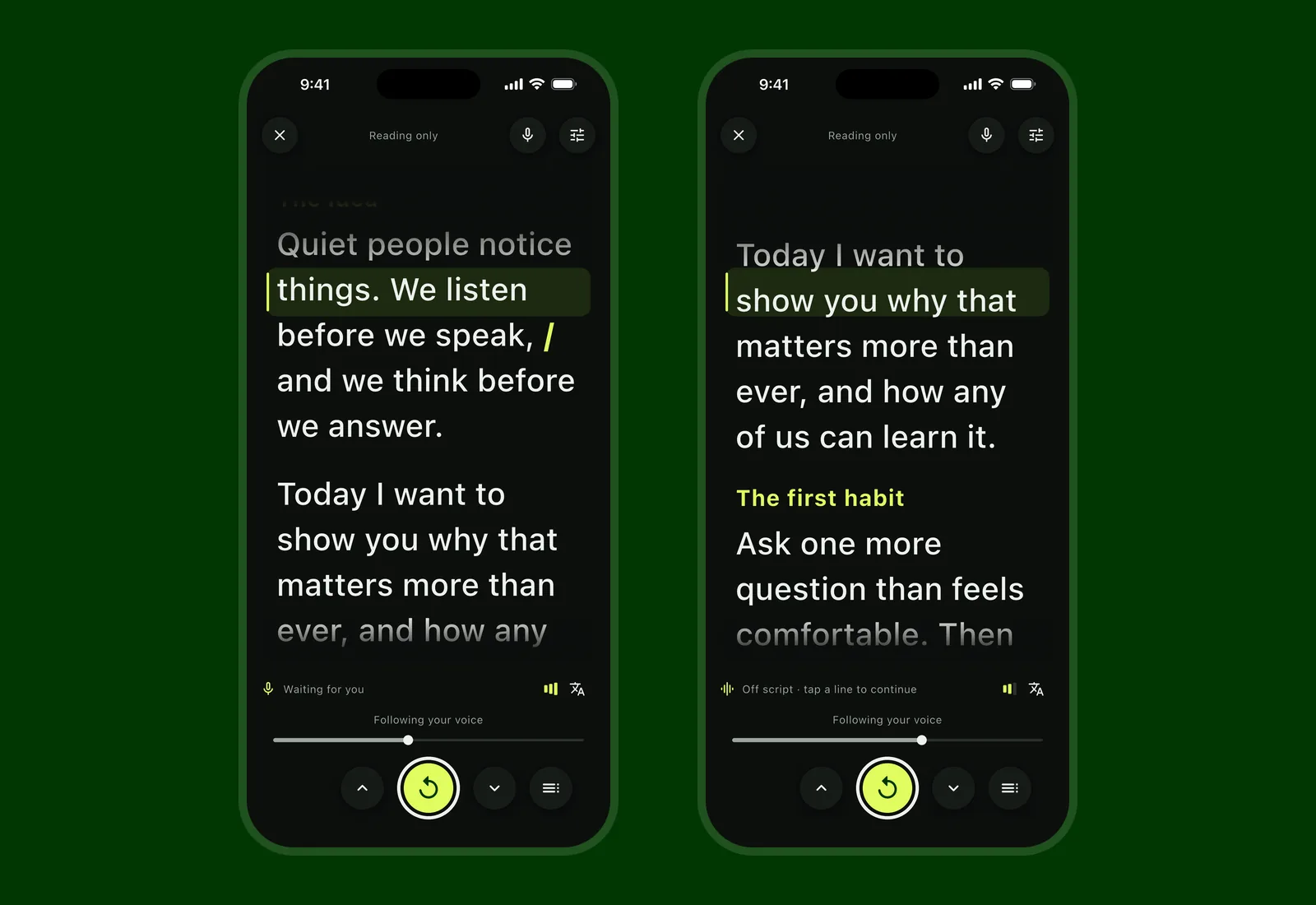
Skip a sentence or two and Soyla finds you. Jump further and it says Found your place further on with a button to confirm, instead of leaping on a guess. Read a passage again and it follows you back.
In internal tests with synthetic voices, Soyla’s voice following was typically 1.2 words behind the speaker and resumed within 0.4 seconds after a pause in 95 of 100 restarts. Those are synthetic voices, so the numbers are a bar each update must clear, not a promise for every room.
Test 2: Where is your voice processed?#
A voice-activated teleprompter is private when your speech stays on your phone. Soyla recognizes speech on the device and never sends it anywhere. If on-device recognition isn’t available for a language, voice following stays off rather than going online.
Speakflow’s security page says its voice scrolling may process microphone audio through external speech services, and its release notes say it uses cloud speech when on-device recognition isn’t available. Teleprompter for Video’s help page says online speech recognition is generally preferred unless you’re somewhere with no internet connection.
CapCut’s teleprompter page describes a scrolling speed you set and doesn’t mention voice scrolling.
Soyla’s voice following works while recording, and you can switch between voice following, a steady pace or moving the script by hand at any moment, even mid-take.
Test 3: Where are your scripts kept?#
Soyla stores scripts, versions, settings and recordings inside the app on your device. They’re never uploaded. They stay there until you share, save or export them. There’s no account and no sign-in.
Other apps handle storage differently:
- Teleprompter.com’s Cloud Sync stores the full text of every script and your recorded videos on its servers. It can be turned off.
- BIGVU’s App Store page says you upload your story to the BIGVU Cloud.
- Speakflow stores scripts in your Speakflow account, and saved recordings are uploaded, per its security page.
How the apps compare, as of November 2026#
| App | Voice scrolling | Where scripts are kept | App Store privacy label |
|---|---|---|---|
| Soyla | On the device, in more than 50 languages and regional variants on iOS 26 | On the device, no account | No data used to track you; no data linked to you |
| Teleprompter.com | VoiceGlide, on-device, works offline per the developer | Device or Cloud Sync servers | Identifiers used to track you; contact info, identifiers, usage data linked to you |
| PromptSmart Pro | VoiceTrack, on-device, follows English in the Pro app | Not stated on its pages | No data used to track you; no data linked to you |
| BIGVU | Voice Control, audio analyzed locally per its privacy policy | Projects live in the BIGVU Cloud | Identifiers, usage data used to track you; contact info, user content, identifiers, usage data linked to you |
| Teleprompter by Teleprompter Apps | Not offered on its pages | Device or optional Cloud Sync | No data used to track you; contact info, user content, user ID linked to you |
| Teleprompter Pro | Not offered on its pages | Device or optional Cloud Sync | No data used to track you; purchases, contact info, user content, identifiers linked to you |
| Teleprompter for Video | Apple speech recognition; online generally preferred per its help page | Device in offline mode; email, name and scripts stored in its database when logged in | Contact info used to track you; purchases, contact info, user content linked to you |
| Speakflow | Flow; may use external speech services per its security page | Speakflow account; recordings uploaded | No data used to track you; contact info, user content, identifiers, usage data linked to you |
| CapCut | Not mentioned on its teleprompter page | Not stated on its pages | Identifiers used to track you; contact info, user content, identifiers, usage data, diagnostics linked to you |
You can dig deeper into each app on Soyla’s comparison page.
Test 4: Is the recording yours?#
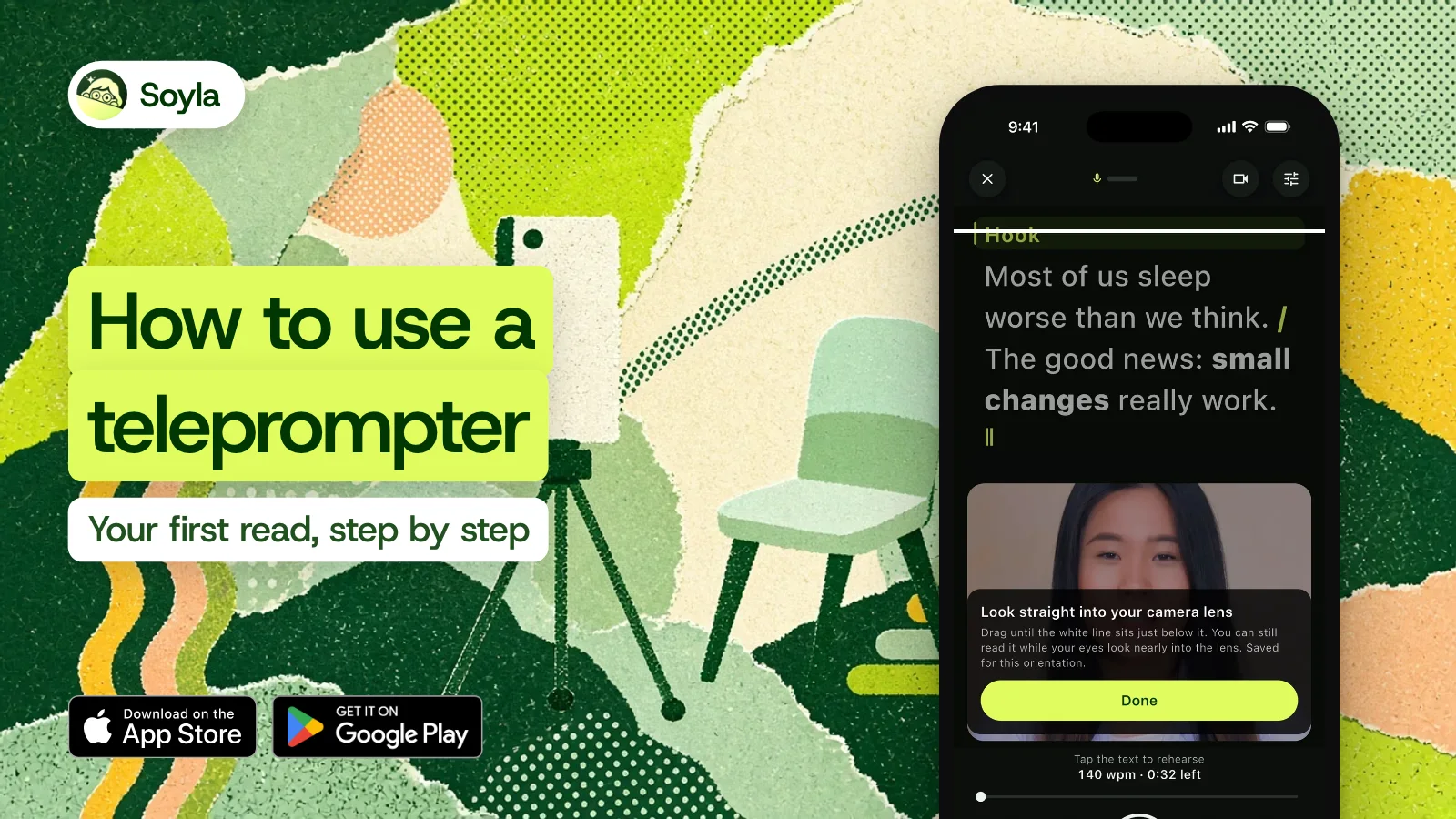
Soyla records in 720p, 1080p or 4K at up to 60 frames per second where your camera allows, with no watermark and no overlay, ever. Trim the take, reshape it for vertical, square, 4:5 or wide 16:9, even out loudness, and share through the share sheet or save to Photos. The original file stays untouched.
Takes are written in pieces while you speak. Even a crash keeps everything up to the last second or so. A call or an alarm stops the recording and saves the take.
What about reading without recording?#
You don’t always need a camera. Soyla works as a prompter for reading, too. The words sit near the lens so you hold eye contact in a live meeting, a sermon or a keynote.
Set a steady pace from 50 to 260 words per minute, step through one paragraph at a time, or plug in a presentation clicker and use Space to start and arrows to move line by line.
If you need a teleprompter on a computer, Soyla’s free online teleprompter runs in a modern browser with no sign-up. In Chrome or Edge, it floats in a small window on top of Zoom, Google Meet or Teams.
Try it yourself#
Soyla is free to download. The yearly plan starts with 7 days free, with every feature included. Cancel at least 24 hours before the trial ends and you aren’t charged. Open the app, paste a script and turn on voice following. You’ll see the difference the first time you pause and the words wait for you instead of scrolling away.
Frequently asked questions
What is the best teleprompter app for iPhone?
As of November 2026, our pick is Soyla, and we make it. Soyla follows your voice on the device, keeps scripts and recordings on your iPhone with no account, and never adds a watermark. It’s free to download, and the yearly plan starts with 7 days free so you can test every feature.
Does Soyla follow my voice on iPhone?
Yes. Soyla’s voice following recognizes your speech on your iPhone and moves the script as you talk. When you pause, it shows Waiting for you and resumes when you speak again. It supports more than 50 languages and regional variants on iOS 26 and works offline once the language is installed.
Do I need an account to use Soyla?
No. Soyla has no account, no sign-in and no password. Scripts, recordings and settings are stored on your device and never uploaded. You can export any script as a text file and any take as the original video at any time, and Delete everything clears it all in one step.