On this page
To read a teleprompter naturally, keep the words right by the lens, let the script move at your pace instead of chasing a fixed scroll, and read a phrase ahead of what you’re saying.
Most of what gives away a teleprompter read isn’t your delivery. It’s the setup. When the words sit in the wrong spot, your eyes drift. When the scroll won’t wait, your voice rushes. Fix those two things before you hit record, and the delivery part gets much easier.
The audience should see someone talking to them, not someone reading, on a phone, a laptop or a browser-based teleprompter.
Put the words where eye contact lives#
A small Stanford study by Milton Chen (CHI 2002) tested how 16 observers perceived eye contact on video. People were about ten times less sensitive to a speaker looking below the camera than to the left, right, or above it.
The conservative suggestion: keep what you’re reading within about 5 degrees of the lens — roughly 1 inch on a phone a foot away.
That means the words belong just below the lens, not beside it and not in the middle of the screen. On a phone held upright, the front camera is at the top, so the script should sit near the top. In landscape, keep the words on the camera’s side.
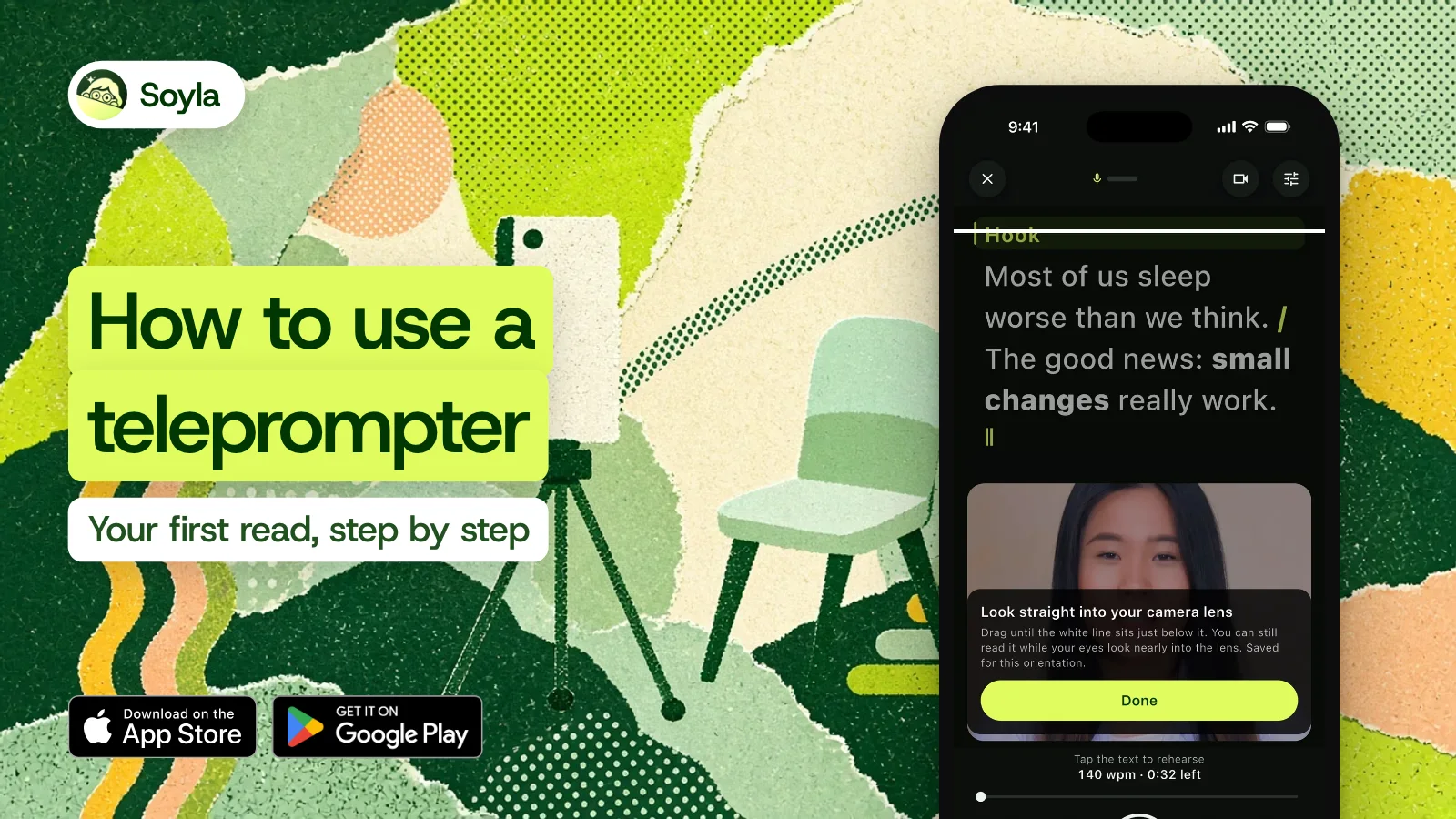
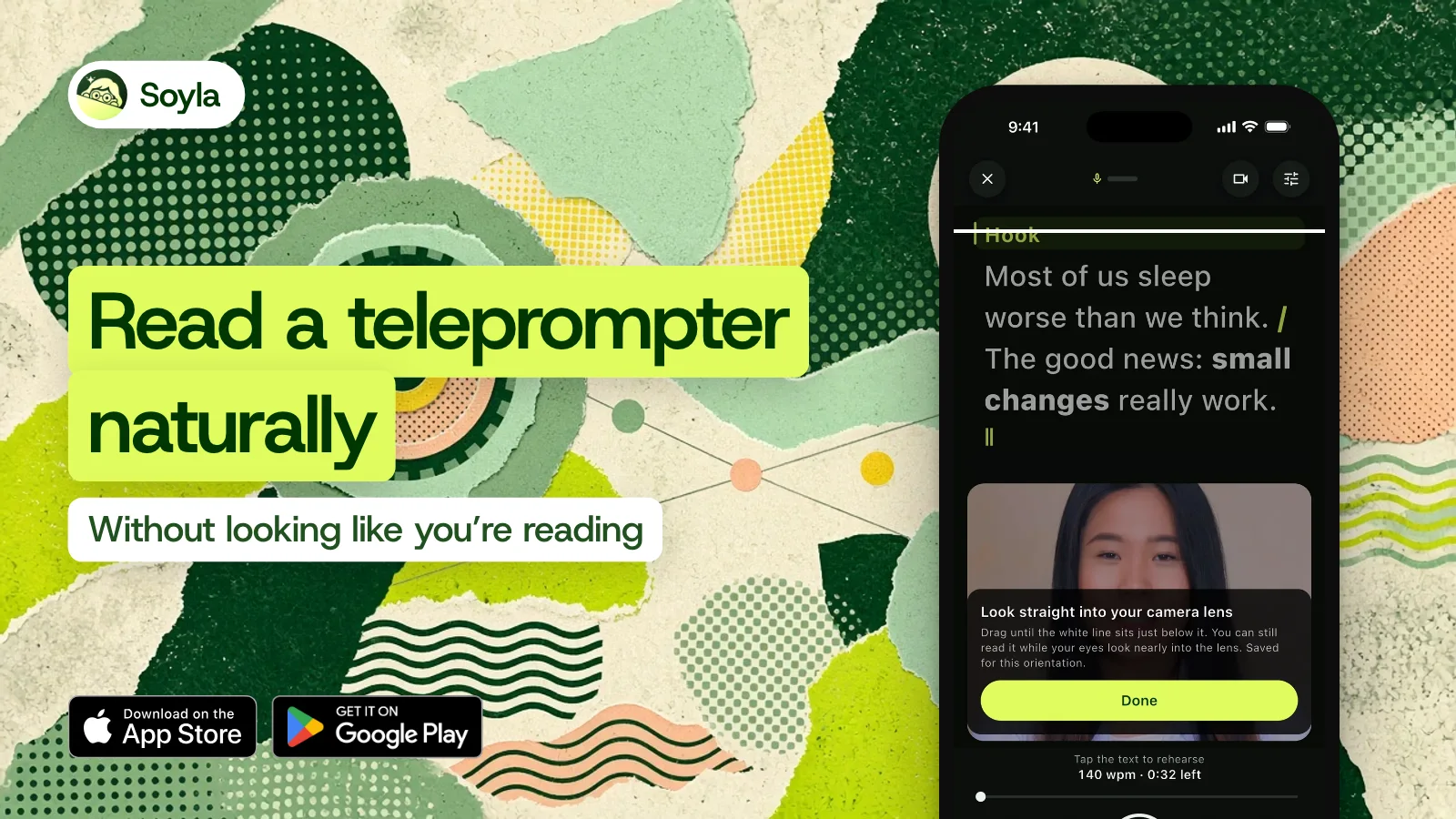
In Soyla, you can drag a line until it sits just below your lens. Soyla remembers that position for each orientation, so switching between portrait and landscape doesn’t reset your setup.
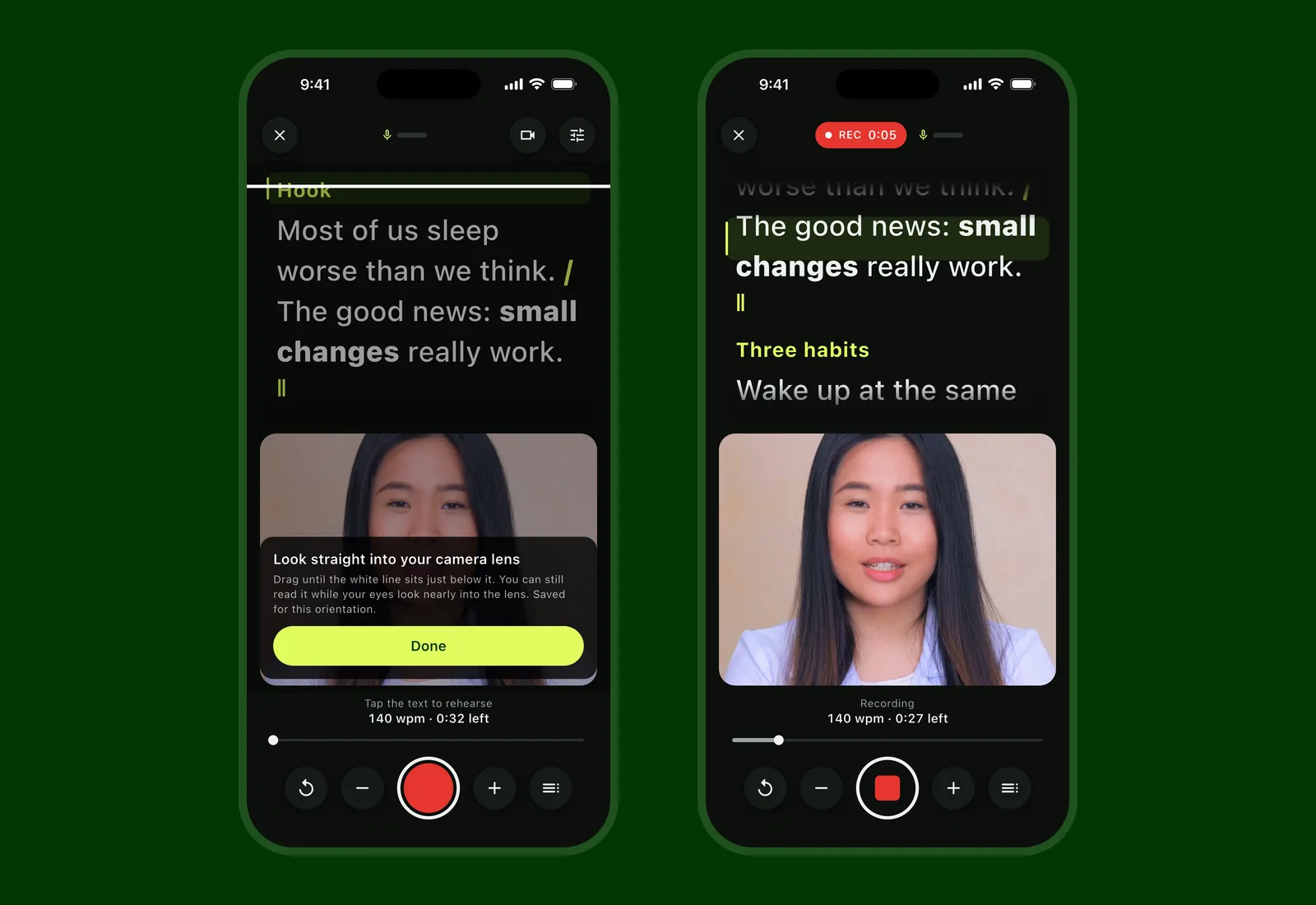
A narrow column matters too. The less your eyes travel side to side, the less the audience notices you’re reading. Widen the text and even small glances become obvious.
Get the phone farther from your face#
A phone on a stand at arm’s length beats one in your hand. The farther the camera is from your eyes, the smaller every eye movement looks on screen. A tripod or a shelf works. Holding the phone close magnifies every glance.
Let the script wait for you#
A fixed scroll speed forces you to match the machine. Your voice flattens, your pauses disappear, and every sentence sounds the same. The fix is a script that moves when you move.
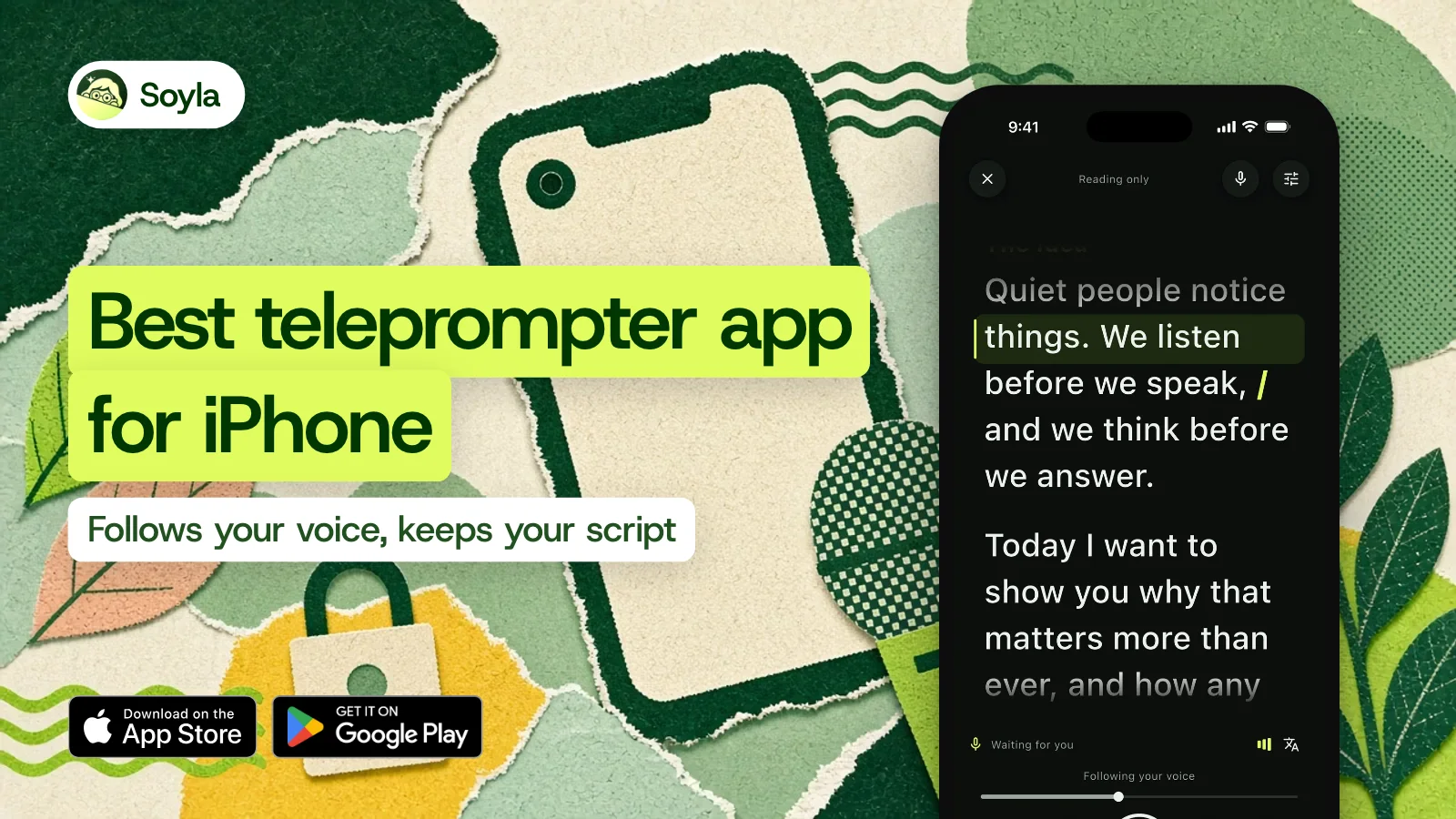
With Soyla’s voice following, the script keeps up as you talk. When you pause, it eases to a stop and shows Waiting for you, then picks up the moment you speak again.
If you go off your words, Soyla shows Off script and waits for you to come back. Skip a sentence and it finds you. Read a passage again and it follows you back.
You can also move the script by hand: tap to start or pause, drag to go back. Keyboards, clickers, and Bluetooth remotes work too — Space starts and pauses, arrows move a line, R repeats the sentence.
If you’d rather scroll at a steady pace, start around 140 words per minute and adjust from there. Soyla’s Find your pace tool lets you read a short passage aloud and offers that speed as your pace, pauses included.
Read a phrase ahead, not word by word#
Strong teleprompter readers don’t follow each word with their eyes. They glance at the next phrase, take it in, then say it to the lens. The words are fuel; the lens is where you deliver them.
A focus band or marker shows your current line, and lines already read can fade. Both help you spot the next phrase without searching.
This takes a little practice. It’s the single biggest difference between sounding like you’re reading and sounding like you’re talking.
Mark up the script before you read it#
A flat wall of text is hard to read naturally. Marking it up gives your eyes and your voice something to follow:
- Bold the word or two that carry the meaning of a sentence.
- Add breath marks where you need air.
- Insert pause marks that hold the scroll for a second or longer.
- Write stage directions in italics — things like smile or slow down — so they appear on screen but aren’t counted as speech.
- Add pronunciation notes shown small beside a tricky word.
Soyla’s Add to your script sheet inserts all of these with no syntax to learn. For more on writing a readable script, see the guide to writing scripts you can read aloud.
Rehearse out loud at least once#
Read the script aloud once or twice before you record. You’ll find the lines that don’t work in your mouth. If you stumble on the same line twice, change the line — the words are the problem, not you.
Soyla’s Practice aloud records sound only so you can listen back. Practice reads are deleted when you close them, so there’s nothing to clean up.
You can also rehearse a section on a loop, repeating it until it feels natural.
Keep rolling through mistakes#
When you stumble mid-take, don’t stop the recording. Pause, find the start of the sentence, and say it again. A short pause looks like thought. You can trim the stumble later.
In Soyla, you can start a retake from any sentence instead of going back to the top. Soyla offers to cut the quiet before your first word and after your last, and you can trim with two handles. The original recording is never changed — no watermark, no overlay.
The setup matters more than the performance#
Most teleprompter advice focuses on vocal delivery. That matters, but it’s downstream of the setup. Words near the lens, a scroll that follows you, a marked-up script, and one spoken rehearsal — those choices are made before you press record, and they’re what keep the audience from noticing the teleprompter at all.
You can try a read in Soyla’s free online teleprompter right in a browser, with no sign-up. For recording with voice following, the Soyla app is free to download, and the yearly plan starts with 7 days free.
Frequently asked questions
Can viewers tell when I’m reading from a teleprompter?
They can if your eyes wander or your pace sounds mechanical. Milton Chen’s Stanford study found that viewers barely notice a downward gaze near the lens but quickly spot sideways or upward glances. Keeping the script just below the camera and letting it follow your pace makes the read much harder to detect.
Should I memorize my script instead?
Memorizing works for short lines. For anything longer than a minute or so, a teleprompter lets you spend your attention on delivery — expression, timing, emphasis — instead of recall. You still want to rehearse once or twice so the words feel familiar, but you don’t need them locked in your head.
What should I do when I stumble on a line?
Pause, go back to the start of the sentence, and say it again without stopping the recording. A brief pause reads as natural thought on camera. Keep rolling through the mistake and trim the stumble in editing afterward. In Soyla, you can start a retake from any sentence.